
HeyGen is a well-known AI video tool. It lets you create avatar-based videos, clone your voice, and translate footage into other languages. For certain workflows, it works well. But it is not the right fit for everyone, and plenty of people search for alternatives for very legitimate reasons: the pricing feels steep for casual use, the output looks too polished to feel authentic, or the tool simply does not match what they are actually trying to build.
If you are a digital marketer running UGC-style ads on TikTok, Instagram, or YouTube, you may find that HeyGen solves a different problem than the one you have. It is built around presenter avatars and corporate video. You need short-form ad variants that feel human and convert.
This post covers the best HeyGen alternatives, who each one is for, and how to decide which fits your workflow.
Table of Contents
- What HeyGen actually does
- Why people look for alternatives
- Is HeyGen a Chinese company?
- The best HeyGen alternatives, broken down
- Synthesia
- D-ID
- Runway
- JoggAI
- ClipStitchr
- Which is better, HeyGen or Synthesia?
- Which is better, HeyGen or D-ID?
- What about open source options?
- How to choose the right tool
What HeyGen Actually Does

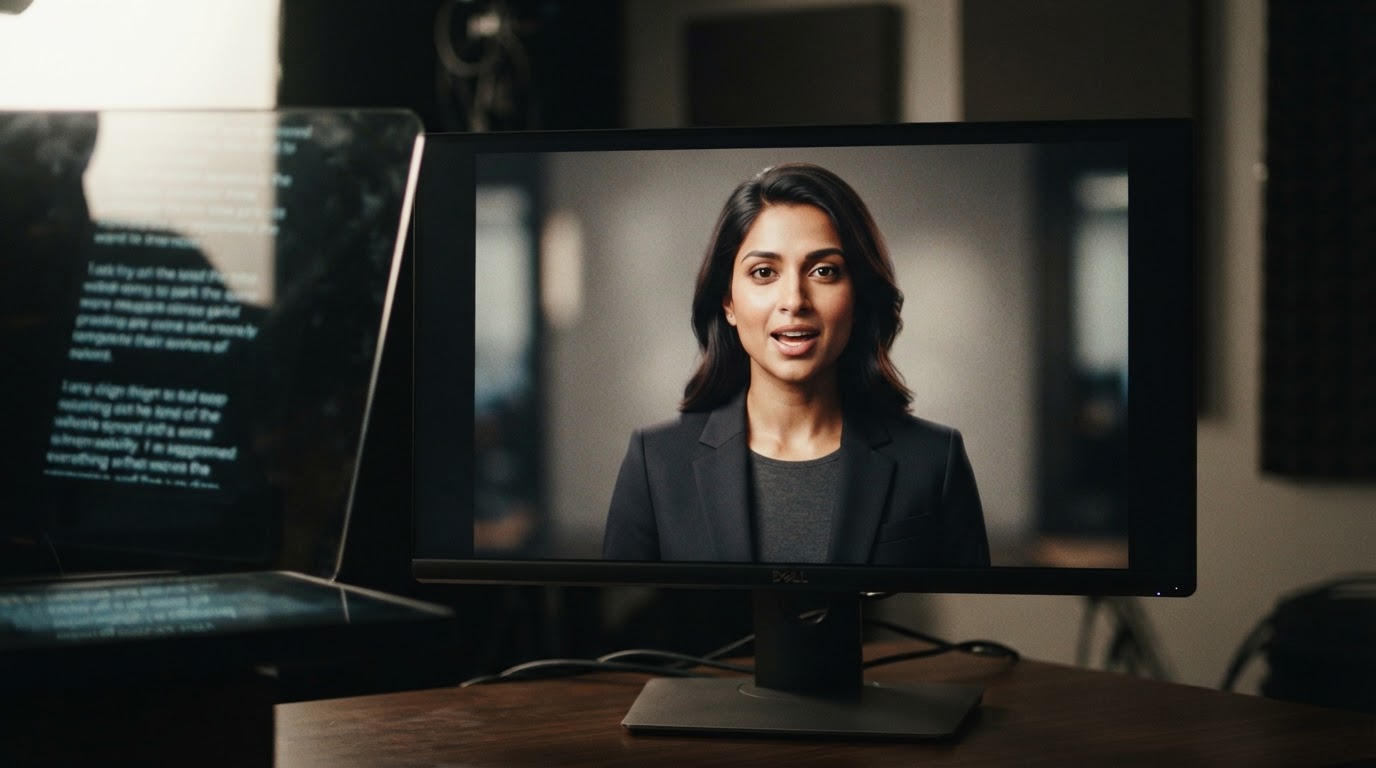
HeyGen lets you generate talking-head videos using AI avatars. You type a script, choose an avatar, and the tool produces a video of that avatar speaking your text. You can also clone your own likeness and voice, translate existing videos into other languages, and use it to create training materials or product explainers.
It is popular in a few specific circles: corporate L&D teams, SaaS companies making product walkthroughs, and marketers who need localized video at scale.
What it does not do particularly well is feel scrappy, authentic, or native to social feeds. That matters a lot if your job is running ads that blend into TikTok or Instagram Reels.
Why People Look for Alternatives
The complaints that come up most often in places like Reddit and review sites fall into a few categories.
Price. HeyGen's pricing can feel hard to justify if you only need it occasionally. The free tier is limited, and the jump to a paid plan is significant depending on how much video you produce.
It looks like AI. That is partly the point, but for marketers running UGC-style ads, "looks like AI" is a problem. Audiences have become good at spotting synthetic presenter videos, and that affects trust and engagement.
It is built for a different workflow. HeyGen is really built for scripted, structured video. If your workflow is more like "take 10 creator clips, pair them with product demos, and test which opener performs best," HeyGen is not the tool for that.
Video quality and avatar realism vary. Some users report that the avatars feel stiff or that lip sync does not hold up under close watching. This has improved over time, but it is still a common reason people explore other options.
Is HeyGen a Chinese Company?

This question comes up often, usually from people who have data privacy concerns about where their content is stored and processed.
HeyGen is headquartered in Los Angeles, California. It was founded by Joshua Xu and Wayne Liang. The company has received funding from US-based investors. That said, like many tech companies, parts of its technical infrastructure and some team members may be distributed globally. If data residency is a hard requirement for your team, it is worth reading HeyGen's privacy policy directly and asking their sales team specific questions before committing.
The Best HeyGen Alternatives, Broken Down
Synthesia
Synthesia is probably the most direct HeyGen competitor. It is also built around AI avatars and scripted presenter videos, and it has a strong reputation in corporate and educational content.
What it does well: Synthesia has a cleaner interface than HeyGen for many users, a wide library of avatars, and solid multi-language support. Its output looks professional and works well for internal training, onboarding, or product demos where you want a polished presenter.
Where it falls short: Like HeyGen, it is not built for short-form social ads. The output tends to feel corporate. If you need content that feels native to TikTok or Instagram, Synthesia will feel like the wrong tool quickly.
Who it is for: Teams that need presenter-style video at scale, especially for training, e-learning, or structured product explainers.
If you want a side-by-side feel for how these two compare in tone and output quality, this video does a fair job of walking through the differences:
And here is a more direct feature comparison between the two:
D-ID
D-ID takes a slightly different approach. It specializes in animating still photos to create talking heads, and it also supports avatar creation and video generation from text.
What it does well: D-ID is often cheaper than HeyGen for basic use cases. It has a straightforward API if you want to build video generation into your own product. The photo-to-talking-head workflow is genuinely useful if you have a product image or a single headshot you want to bring to life.
Where it falls short: The output can look less realistic than HeyGen, especially around facial animation. For social ads where you need to hold viewer attention, D-ID video can feel slightly uncanny.
Which is better, HeyGen or D-ID? It depends entirely on what you are making. For realistic avatar video with voice cloning, HeyGen tends to produce better results. For quick, low-cost, API-accessible video from a photo, D-ID is often a practical choice. Neither is a great fit for UGC-style ad production.
Who it is for: Developers building video into their own tools, or marketers who need a quick and affordable avatar video without the HeyGen price tag.
Runway
Runway is a different kind of tool entirely. It is a generative video platform that lets you create and edit video using AI prompts, image-to-video generation, and a growing set of creative tools.
What it does well: Runway is genuinely impressive for creative video generation. If you need to create b-roll, visual effects, or generative scenes, it is one of the most capable tools available. Its image-to-video and text-to-video outputs have improved significantly.
Where it falls short: It is not a structured ad-making tool. There is no UGC workflow, no clip pairing, no scoring system. You are working with raw generative capabilities, which means you need to know what you want before you start.
Who it is for: Creative teams, video editors, and content creators who want generative tools to fill gaps in their production pipeline. Not the right fit if you need ad variants at scale without deep video editing skills.
JoggAI
JoggAI is a more direct alternative to HeyGen for marketers who want AI-generated UGC-style video. It generates talking-head clips from avatars, but with more of a social-native feel than Synthesia or D-ID.
What it does well: JoggAI is designed with short-form content in mind. It supports vertical video output, generates clips that are meant to feel more casual and native to social feeds, and offers avatar creation with product context built in.
Where it falls short: Like most avatar tools, the clips are still clearly synthetic once you look closely. It works better as a content volume tool than as a replacement for real UGC. The platform is also relatively new, which means some features are still maturing.
Who it is for: Marketers who need a high volume of short-form avatar clips and are comfortable with a more AI-generated aesthetic.
ClipStitchr
ClipStitchr takes a fundamentally different approach from every other tool on this list, and that is worth understanding before you dismiss it or rush past it.
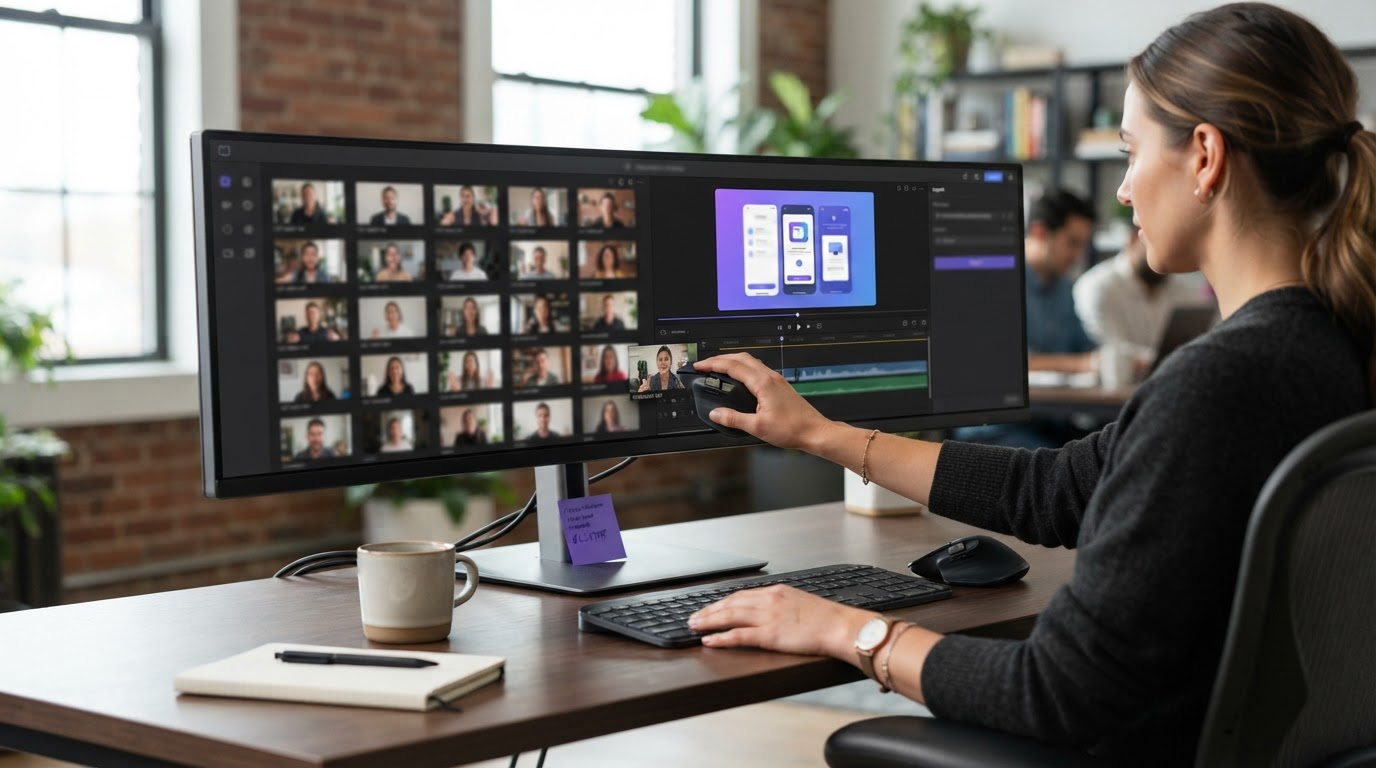
Every tool listed above is about generating new video from scratch, usually using AI avatars or text prompts. ClipStitchr is about turning the footage you already have into finished ads, fast, without opening a timeline editor.
If you have real UGC clips from creators, product demos, or even reaction footage, ClipStitchr is built to turn those into vertical ad variants. You upload your clips once, pair a UGC opener with a product demo, add a text hook, and export a finished ad. The whole process takes seconds per variant, and you can run a batch of up to 20 UGC clips against one demo to test different openers.
What makes it different from HeyGen is the core assumption. HeyGen assumes you do not have a human on camera and need to create one. ClipStitchr assumes you have real footage and need help turning it into something post-ready without a full editing workflow.
Key features worth knowing:
- Clip scoring. Before you build an ad, ClipStitchr scores your source clips on hook strength, pacing, camera presence, and short-form fit. This means you stop guessing which UGC is worth using and start with the ones most likely to perform. The score looks at whether the first second gives someone a reason to keep watching, whether the person or product is easy to see, and whether the clip moves at the right pace for short-form feeds.
- Stitch scoring. After you create a finished ad, you can score the full Stitch to see where people might drop off, whether the hook earns the demo, and what to trim before posting.
- Templates. When an ad setup works, you save it as a template. Next time you have new clips, you load the template and swap the footage instead of rebuilding from scratch.
- Clipr, Swapr, and Swipr. When your library needs fresh material, Clipr generates short reaction and b-roll clips using saved avatars. Swapr takes an avatar photo and existing UGC to create new source footage. Swipr builds vertical carousel posts. These fill your library when you are low on real-world clips.
- Automation. You can set ClipStitchr to prepare daily drafts automatically, choosing which tools run and reviewing everything before anything goes live.
This workflow is built for the kind of marketer who is running several ad campaigns at once, testing multiple hooks against the same product demo, and drowning in folders of clips they never get around to using. If that sounds familiar, ClipStitchr is worth a closer look at clipstitchr.com.
For an example of how this plays out in practice, the fitness app growth case study on the ClipStitchr site shows how a real product used this kind of workflow to build ad variants at scale.
Who it is for: Digital marketers running UGC-style ads who already have creator footage and product demos, but struggle to turn that raw material into finished ad variants quickly and consistently.
Which Is Better, HeyGen or Synthesia?
This question comes up constantly, and the honest answer is that it depends on what you are actually making.
If you need corporate presenter video with strong multi-language support and a clean interface, Synthesia has an edge for many users. Its platform is slightly more polished for structured video workflows, and users often find the avatar quality more consistent across a batch.
If you need voice cloning, the ability to use your own likeness, or more flexibility in avatar customization, HeyGen tends to win. HeyGen's video translation feature is also genuinely impressive for localization at scale.
Neither is better for UGC-style short-form ads. Both are optimized for a different content type entirely.
Which Is Better, HeyGen or D-ID?
D-ID is generally cheaper and more accessible via API. HeyGen produces more realistic results in most side-by-side comparisons.
If you are building something that needs video generation baked into a product or workflow at low cost, D-ID is worth evaluating. If you are trying to create the most convincing avatar video for a client-facing project, HeyGen is usually the better output.
For marketers, neither is the right tool for short-form ad creation. Both produce the kind of synthetic-feeling video that tends to underperform against real UGC in social ad environments.
What About Open Source Options?
There are open source projects that attempt to replicate some of what HeyGen does, particularly around talking-head video generation and lip sync. If you have a technical team and want full control over your pipeline, these can be worth exploring.
This video gives a practical overview of one open source alternative to HeyGen:
The tradeoffs with open source are real: you get flexibility and no licensing cost, but you also get setup complexity, infrastructure costs, and ongoing maintenance. For most marketing teams, the time cost of self-hosting an AI video stack outweighs the savings.
How to Choose the Right Tool
The right HeyGen alternative depends on one question: what are you actually trying to make?
Here is a plain breakdown based on common use cases.
You need scripted presenter video for training or internal comms. Look at Synthesia or stick with HeyGen. Both are well-suited for this and have strong enterprise support.
You need to animate a single photo or headshot cheaply. D-ID is probably your fastest path. It is lower cost and has a straightforward API if you want to automate.
You need generative b-roll or creative video effects. Runway is the strongest option in this space and is worth the learning curve if you are doing this regularly.
You need volume of AI-generated social clips with a casual feel. JoggAI is worth testing, particularly if you are comfortable with a more synthetic aesthetic.
You have real UGC clips and product demos and need to turn them into finished short-form ads at scale. This is where ClipStitchr fits and where HeyGen and its direct competitors do not. ClipStitchr is not trying to generate a human from scratch. It is built to take the footage you already have and get it to a finished, reviewable ad without the friction of traditional editing.
For marketers who want to understand the broader landscape of UGC ad creation, the TikTok UGC guide for brands on the ClipStitchr blog covers the strategic side of how UGC ads work and why the format performs the way it does. If you are newer to the space, the post on what AI creates UGC videos is a clear starting point.
If you are thinking about video format strategy more broadly, the pros and cons of short-form video post is worth reading before you commit to a tool. And if your product demo footage needs work before it is ad-ready, the guide on how to record a product demo covers the basics.
One more resource worth knowing: DansUGC is a library of real human UGC ads that have performed well. If you are building a swipe file or trying to understand what strong UGC hooks actually look like before you create your own, it is a useful reference.
The Short Answer
HeyGen is a capable tool for what it is built to do: scripted, avatar-driven video with voice cloning and translation. If that is your problem, it is a reasonable choice and Synthesia is its closest competitor.
But if your actual problem is turning a folder of creator clips and product demos into short-form ad variants that feel human and move fast, HeyGen is solving a different problem than the one you have.
ClipStitchr is built specifically for that second problem. You upload your clips, pair UGC openers with product demos, score them before you waste time building ads around weak footage, and export finished vertical ad variants without ever opening a timeline editor.
If that workflow fits what you are doing, the fastest next step is to visit clipstitchr.com and start with a small batch of clips you already have.