
If you landed here, you are probably using MakeUGC, thinking about it, or you already have a reason to look elsewhere. All three situations are completely fair.
MakeUGC does one thing well: it generates AI avatar videos that look like UGC-style creator content. For some teams, that is exactly what they need. But it has real limits around workflow, clip organization, and what happens after you generate a video. Those gaps send a lot of marketers searching for alternatives.
This guide covers what to actually look for in a MakeUGC alternative, how the main options compare, and which tools fit which workflows best.
Table of Contents
- What MakeUGC does and where it falls short
- What to look for in an alternative
- The main alternatives compared
- How to create UGC ads on TikTok with these tools
- Which tool fits which situation
- A simple recommendation
What MakeUGC Does and Where It Falls Short
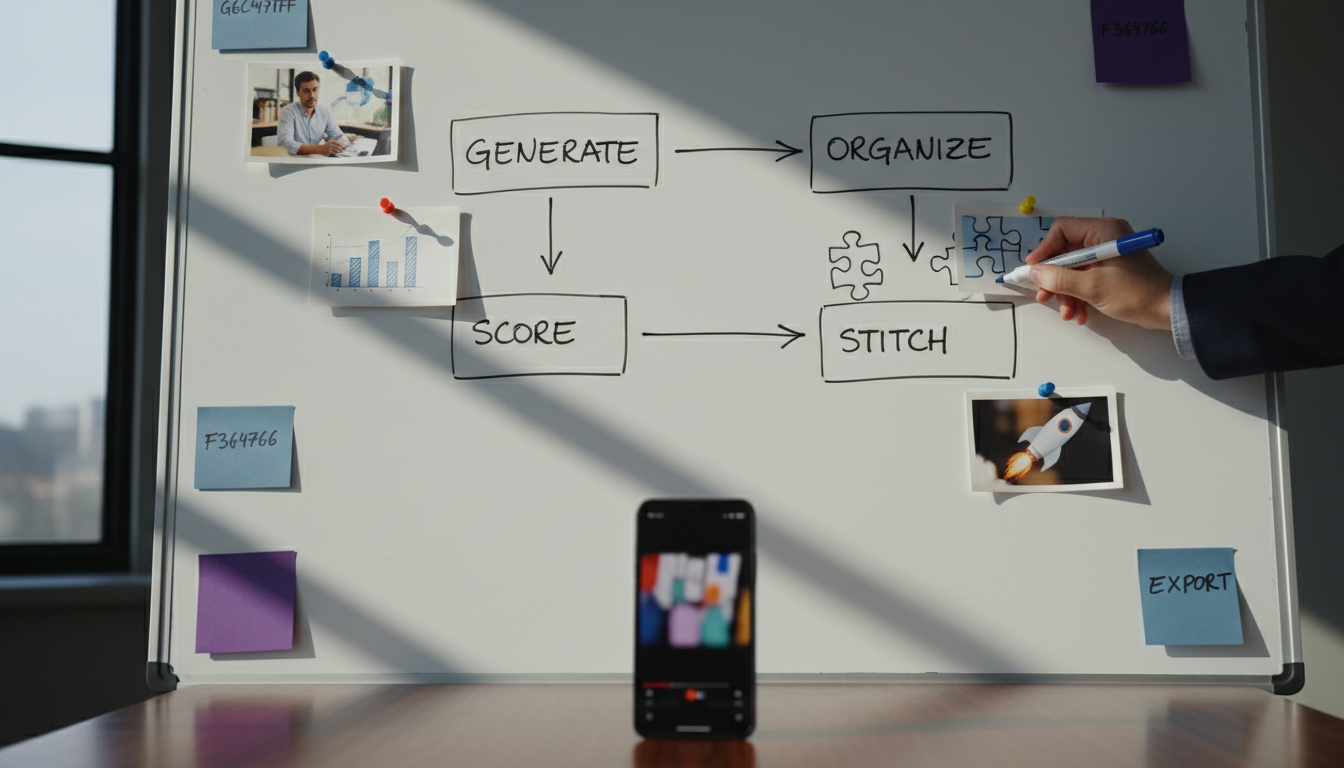
MakeUGC is an AI UGC video generator. You pick an avatar, write a script, and the platform produces a short video that looks like a real creator talking to camera. It is designed for marketers who want UGC-style content without hiring creators or filming anything themselves.
That is genuinely useful. Especially when you need to move fast, test ten hooks in a week, or do not have creator relationships yet.
The review below gives a useful rundown of the features and pricing if you want a quick reference before reading further.
But here is where MakeUGC tends to frustrate people over time:
It only generates. It does not help you build ads. You get a clip, and then you are on your own. You still need to add a product demo, write text overlays, trim the video, export in the right format, and organize everything somewhere. That is most of the actual work.
The library problem is real. After a few weeks, most teams have generated clips scattered across downloads folders, shared drives, and Slack threads. Finding a usable clip when you need it fast is surprisingly hard.
You cannot score or evaluate clips. There is no way to know if the hook is actually strong before you spend time building an ad around it. You just guess and test.
Workflow automation is limited. MakeUGC is a generation tool, not a full content workflow tool. If you are running ads at volume, you will feel that ceiling quickly.
None of this makes MakeUGC bad. It just means it is a piece of the puzzle, not the whole thing. Many of the alternatives below solve exactly these gaps.
What to Look for in an Alternative
Before comparing tools, it helps to know what actually matters for a UGC ad workflow. The tool you pick should match how you actually work, not just what looks impressive in a demo.
Generation vs. workflow. Some tools only generate AI clips. Others help you turn existing clips into finished ads. If you already have creator footage or product demos, you probably need more workflow than generation.
Clip quality and avatar realism. AI avatars vary a lot. A stiff or unnatural avatar undercuts the authenticity that makes UGC ads work in the first place.
Editing and trimming built in. Can you trim a clip, preview an ad, and add a text hook without leaving the tool? If not, you are adding steps.
Organization. Where do your clips, generated videos, and finished ads live? The best tools keep everything in one library you can actually search and reuse.
Scoring or feedback. Some tools tell you whether a clip is actually worth using before you build an ad around it. That saves real time and money.
Templates and batch creation. If you are making more than a handful of ads, you need a way to reuse a working format without rebuilding it every time.
Price and credit limits. Generation tools often charge per clip or per second of video. For high-volume teams, that math gets uncomfortable fast.
If you want to understand the broader landscape before going tool-by-tool, this guide to what AI creates UGC videos explains how the technology behind most of these tools actually works.
The Main Alternatives Compared
Here is an honest look at the tools that come up most often when people search for MakeUGC alternatives.
Arcads
Arcads is probably the most direct MakeUGC competitor. Both tools generate AI avatar videos from a script. Arcads has a larger avatar library, better lip-sync quality in most tests, and a slightly cleaner interface.
The difference between Arcads and MakeUGC mostly comes down to avatar selection and output quality. Arcads tends to produce more natural-looking clips, particularly for longer scripts. MakeUGC is often cheaper for short clips. Neither tool does much to help you go from generated clip to finished ad.
If pure avatar video quality is your priority, Arcads is worth testing. If you are looking for a full workflow from clip to exported ad, both tools leave you short.
Creatify
Creatify positions itself as an all-in-one tool for short-form video ads. It can pull product details from a URL and generate ad videos automatically, which is genuinely fast for first drafts.
It is popular in dropshipping communities because you can go from product page to draft ad in a few minutes. Reddit threads comparing Creatify and MakeUGC generally land on Creatify for faster full-draft generation and MakeUGC for more avatar customization.
The downside is that Creatify's generated ads often feel templated. The hooks are generic, and the editing control is limited once you want to customize.
HeyGen
HeyGen is a full AI video platform with avatar generation, translation, and video personalization features. It is more expensive than MakeUGC but more capable for enterprise use cases.
For marketers focused on UGC ads specifically, HeyGen is often more than needed. The pricing reflects its broader capabilities. If you are a solo operator or small agency, you will probably pay for features you never use.
Invideo AI
Invideo AI takes a text-to-video approach. You describe what you want, and it assembles a video using stock clips, voiceover, and text. It is useful for explainer content and general social video, but it is not designed for UGC-style ads. The outputs tend to feel polished in a way that works against the casual authenticity that makes UGC ads convert.
DansUGC
DansUGC takes a completely different approach. Instead of AI avatars, it connects brands with real human creators who record authentic UGC clips. If the concern with MakeUGC is that AI avatars feel too artificial, DansUGC is a legitimate alternative that puts real people in front of the camera.
The tradeoff is turnaround time and cost per clip. Real creator UGC takes days, not seconds. But for brands where authenticity is non-negotiable, the results tend to convert better.
ClipStitchr
ClipStitchr solves a different problem than most of the tools above. It is not primarily a video generator. It is a UGC ad workflow tool designed to turn the clips you already have into finished vertical ads.
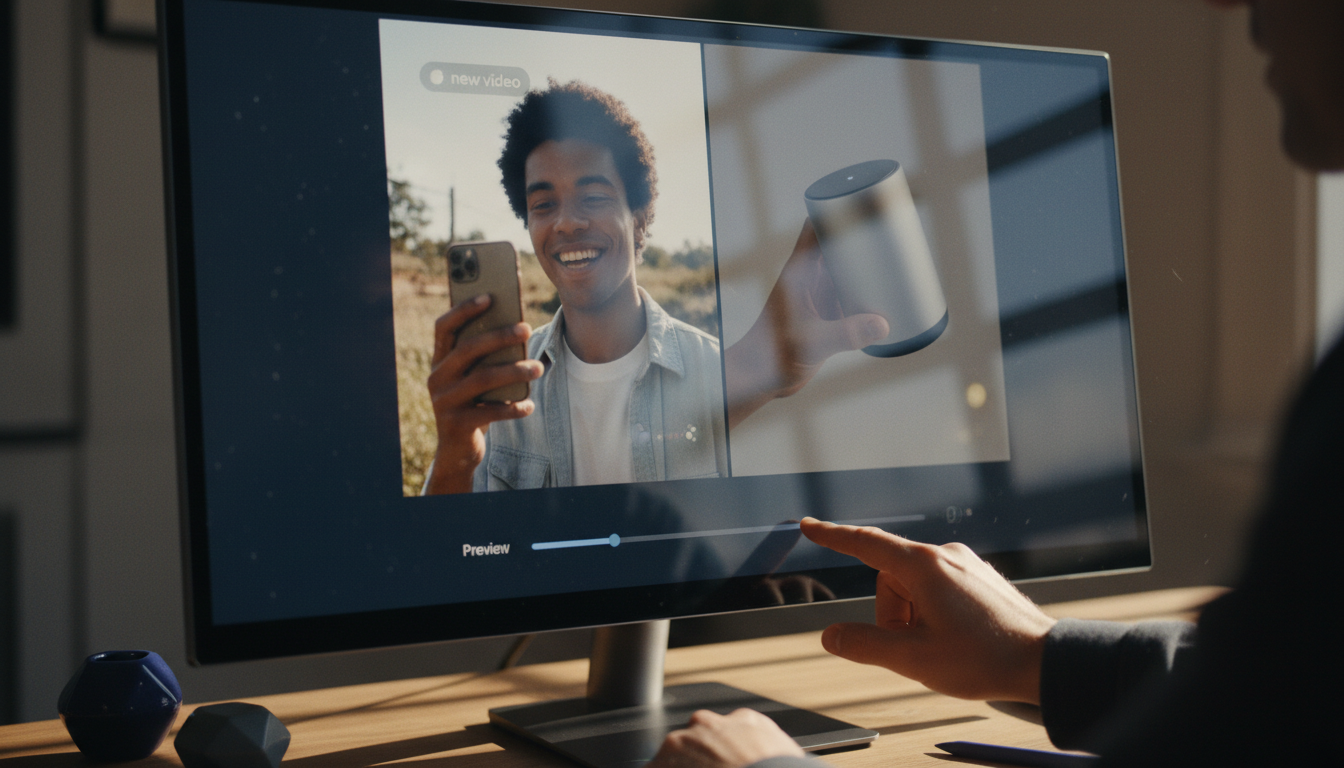
The core workflow, called Stitchr, pairs a UGC opener with a product demo and creates a finished ad without opening a timeline editor. You upload your clips once, preview each combination, add a text hook, and export. One UGC clip plus one product demo becomes a finished ad in seconds.
Where it gets interesting for teams comparing MakeUGC alternatives:
- Clip scoring tells you which clips are worth using before you waste time on them. The score looks at hook strength, on-camera presence, pace, and how well the clip fits short-form.
- A single library keeps UGC, demos, generated clips, carousels, and finished ads in one place. No more hunting through folders.
- Clipr generates reaction and b-roll clips when the library needs fresh source material, so you get generation when you need it without making it the only thing the tool does.
- Swapr swaps an avatar photo into existing footage to create new UGC-style clips from material you already have.
- Templates let you save a finished ad setup and reuse it for the next batch without starting over.
- Automation can prepare daily drafts for review, so content keeps moving without requiring constant manual effort.
For marketers who have real creator clips and product demos but spend too much time turning them into posts, ClipStitchr fills the gap that every generation-only tool leaves open.
You can see a real example of this kind of workflow in the Guppy fitness app case study, which shows how a small team used UGC-style ads to grow an iOS app without a large production budget.
How to Create UGC Ads on TikTok with These Tools
The actual process of making a UGC-style ad for TikTok is simpler than most people expect. The format is almost always the same: a hook that grabs attention in the first two seconds, a short product moment that shows proof, and a clear reason to keep watching or take action.
Here is how that plays out with different tools.
With a generation-only tool like MakeUGC or Arcads:
- Write a hook script (first two to three seconds matter most).
- Pick an avatar.
- Generate the clip.
- Download it.
- Open a video editor to pair it with a product demo.
- Add text overlays, trim, export.
- Upload to TikTok.
The generation step is fast. Everything after it is still manual.
With ClipStitchr:
- Upload your UGC clips and product demos once.
- Score the clips to find the strongest hooks.
- Open Stitchr, select a UGC opener and a demo.
- Preview the ad, add a text hook if needed.
- Export and upload.
The steps after generation are handled inside the same tool. That is where most of the time savings actually happen.
If you want to go deeper on TikTok UGC specifically, the TikTok UGC ultimate guide for brands covers what works on the platform right now, including hook formats and the types of product demos that hold attention.
The video below also tests several AI UGC tools head to head, which is useful if you want a visual comparison before committing to anything.
One thing worth knowing about TikTok specifically: the platform's algorithm rewards content that feels native, not produced. A clip recorded on a phone in natural light with an honest hook often outperforms a slick AI-generated video. That is not a reason to avoid AI tools entirely, but it is a reason to keep the output feeling real. The best-performing UGC ads on TikTok in 2026 tend to combine a genuine creator opener with a clean product demo rather than leaning entirely on generated avatars.
For teams who record their own demos, this guide on how to record a product demo covers the basics of getting footage that actually works in an ad without expensive equipment.
Which Tool Fits Which Situation
Not every team has the same problem. Here is a plain breakdown of which tool fits which situation best.
You need to test lots of hooks fast and do not have creator footage yet. Start with Arcads or MakeUGC. Both generate avatar clips quickly, and the cost per clip is low enough to test at volume. Just know that you will still need to handle the editing step yourself.
You care deeply about authenticity and have budget for real creators. DansUGC is the right call. Real human UGC from actual creators converts better when the brand fit is right and the audience is savvy enough to spot AI.
You want to go from product URL to draft ad with minimal effort. Creatify is the fastest option for that specific workflow. The quality ceiling is lower, but for quick first drafts and testing, it is hard to beat on speed.
You already have creator clips and product demos and spend too much time editing them into ads. ClipStitchr is the clearest fit. The Stitchr workflow pairs openers with demos without a timeline editor, the scoring tool removes the guesswork about which clips to use, and the library keeps everything in one place instead of scattered across folders.
You need enterprise-scale avatar video with translation and personalization. HeyGen is built for that. Expect to pay for those capabilities.
You want a tool that does both generation and workflow in one place. ClipStitchr covers both. Clipr handles generation when the library needs fresh clips. Swapr creates new UGC-style footage from existing material. Stitchr handles the workflow from clips to finished ad. The generation is there when you need it, but it is not the only thing the tool does.
One practical note on short-form video more broadly: the pros and cons of short-form video article is worth reading if a team member is pushing back on UGC-style ad investment. It covers why the format works and where teams run into trouble.
A Quick Note on AI-Assisted UGC Creation
There is a newer workflow that some marketers are exploring: using tools like Claude to write scripts and generate UGC-style content that then gets animated with video generation models. The result can feel more natural than a scripted avatar because the copy is written with more nuance.
The video below covers one version of this workflow if you want to experiment with it.
The downside of this approach is that it adds steps and requires comfort with multiple tools at once. For most teams running ads at volume, the overhead is not worth it unless you are already hitting quality ceilings with simpler tools.
A Side-by-Side Summary
| Tool | Best for | Generation | Workflow/editing | Library | Scoring |
|---|---|---|---|---|---|
| MakeUGC | Quick avatar video creation | Yes | No | No | No |
| Arcads | Higher-quality avatar video | Yes | No | No | No |
| Creatify | URL-to-draft-ad speed | Yes | Limited | No | No |
| HeyGen | Enterprise avatar video | Yes | Limited | No | No |
| Invideo AI | Text-to-video general content | Yes | Limited | No | No |
| DansUGC | Real human creator UGC | No (real creators) | No | No | No |
| ClipStitchr | Full UGC ad workflow | Yes (Clipr, Swapr) | Yes | Yes | Yes |
The pattern is clear. Most tools do one part of the job. ClipStitchr is designed to cover the full path from raw clips to finished ad, with generation available when you need to fill the library rather than as the only output.
A Simple Recommendation
If the main frustration with MakeUGC is clip quality or avatar selection, Arcads is the easiest switch.
If the frustration is the whole process after generation, which is where most marketers actually spend their time, ClipStitchr is worth a serious look. The workflow is different from every generation-first tool on this list. You upload clips, score them, pair them with demos, and export finished ads without jumping between apps or hunting through folders. Templates let you reuse what worked. Automation keeps drafts moving when you are busy with other things.
The scoring tool alone saves real time. Knowing which clip has a strong hook before you build an ad around it is the kind of information most teams only get after spending money on a test.
You can see how the full workflow operates at clipstitchr.com or jump straight to the getting started guide if you want to understand how the pieces fit together before signing up.
The right tool depends on what part of the process is currently the bottleneck. For generation alone, the market has plenty of options. For the full path from raw footage to posted ad, the options are much narrower.