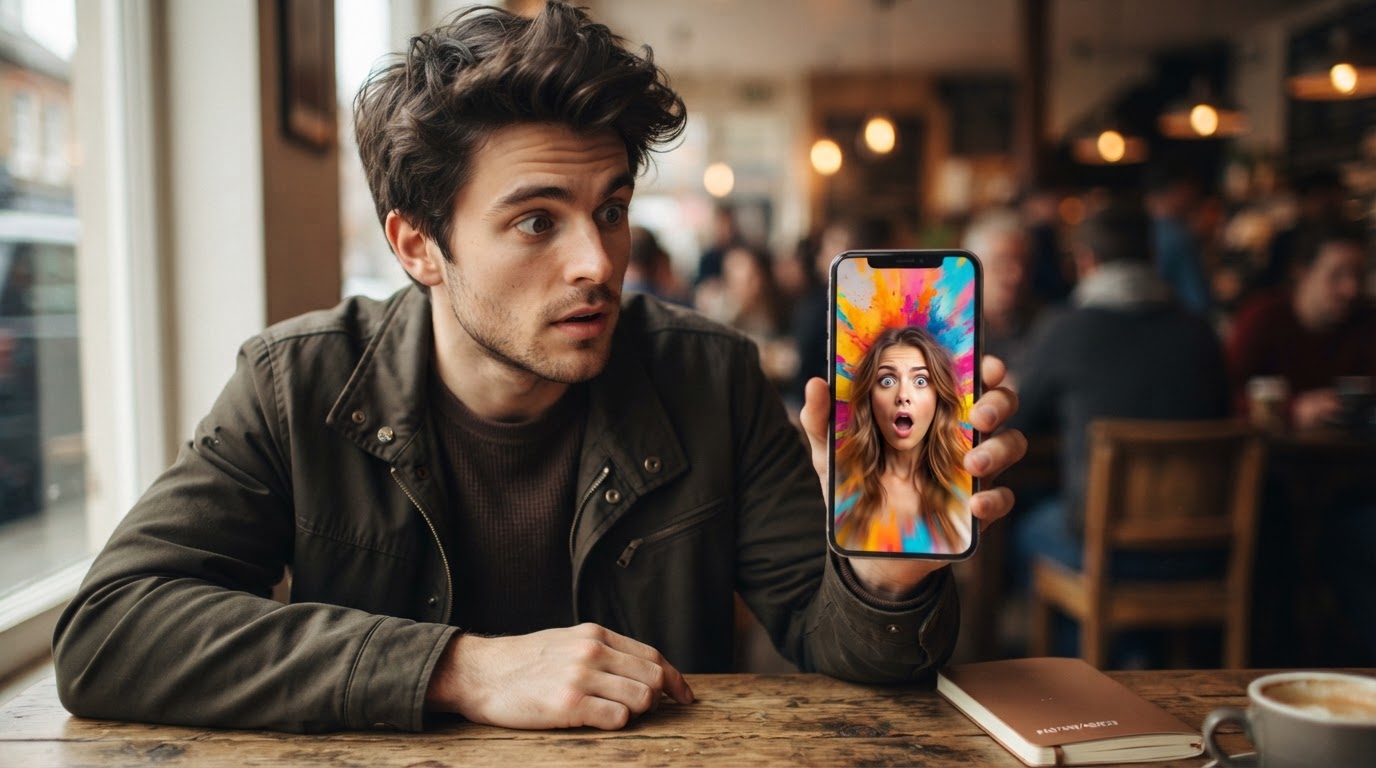
The hook is the first two to three seconds of your ad. That small window decides whether someone keeps watching or swipes past without a second thought. Nothing else in the video matters if the hook fails.
For indie app builders making TikTok and Reels ads without a full creative team, understanding what a good hook actually does is more useful than copying someone else's script. The format changes, the trend changes, but the reasons a hook works stay consistent.
This post breaks down exactly what makes a hook work, why most app ad hooks fail, what the best hook structures look like in practice, and how to build a system around finding and testing them.
Table of Contents
- What a hook actually does
- Why most app ad hooks fail
- The five things every strong hook has
- Hook types that work for app ads
- Visual hooks vs spoken hooks
- How to write a hook for your specific app
- How to test hooks without wasting your budget
- Building a hook library instead of reinventing it each time
What a hook actually does
A hook has one job: give the viewer a reason to stay.
It does not explain the app. It does not close a sale. It does not introduce the team. It earns the next few seconds of someone's attention so the rest of the ad gets a chance to do its job.
Think about what the viewer is doing when the ad appears. They are scrolling through content they chose to watch. Your ad interrupts that. The hook is what turns that interruption into something they actually want to see.
The best hooks do this through one of three mechanisms.
Pattern interrupt. Something in the first frame looks different enough from what they expected that their brain pauses. A strange visual, an unusual angle, an emotional reaction on someone's face, an unexpected piece of text. The scroll slows.
Recognition. They see or hear something that matches a problem, situation, or feeling they already have. "I spent six months trying to fix this" hits differently when someone has been doing the same thing. They stay because they see themselves in the opener.
Curiosity gap. The hook raises a question it does not immediately answer. Not a trick, not clickbait, but a genuine partial reveal that makes the next few seconds feel worth watching. "Here's what happened when I ran this app for 30 days" creates a gap. The viewer wants to close it.
Good hooks use at least one of these. Great hooks layer two of them.
Why most app ad hooks fail
Most app ad hooks fail for a small number of reasons that keep repeating.
They start with context instead of action. "Hey everyone, so I wanted to share this app I've been using..." The viewer is already gone. Nobody needed the setup. Jump to the thing.
They assume the viewer cares about the app. The viewer does not know your app exists yet. Leading with the app name or a logo intro asks for trust before earning it. Start with the person, the problem, or the moment, not the product.
They are too polished too early. UGC-style content performs well on TikTok and Reels partly because it looks like the content around it. An overly produced opener in a feed of casual video looks like an ad immediately, and viewers have trained themselves to swipe past things that look like ads.
They bury the interesting thing. The most compelling moment in the ad is often two-thirds of the way through. A good hook pulls that moment to the front, even if it means cutting context. Show the result first. Explain how it happened second.
They are too abstract. "Change your life" or "This app does everything" means nothing. Specific and concrete always beats broad and vague. "I hit my protein goal every day for three weeks using this" is better than "This app helps you build better habits."
The five things every strong hook has
Regardless of format, type, or topic, the best hooks for app ads share five qualities.
1. A clear subject in the first frame
The viewer needs to know what they are looking at within one second. A face, a phone screen, a relevant object, a specific setting. Ambiguous or slow-to-resolve visuals lose people immediately. Make the main subject obvious.
2. Instant relevance
The hook signals its category fast. A fitness app hook should feel like fitness content. A productivity app hook should feel like something someone working too hard would stop and watch. If the relevance is unclear in the first two seconds, it feels off, and the viewer leaves.
3. Energy that matches the platform
TikTok and Reels reward content that feels alive. That does not mean loud or chaotic. It means the hook has momentum. Something is happening. Someone is reacting, doing, moving, speaking, or showing something. Static and slow loses.
4. One clear idea
A hook that tries to say three things says nothing. Pick the single most useful, surprising, or relatable thing about your app and build the hook around that one idea. Clarity beats cleverness.
5. A reason to keep watching
The hook should end with an unresolved tension. Not a cliffhanger, just an implication that there is more to see. The reaction that needs explanation. The result without the how. The claim that needs proving. The viewer stays to get the payoff.
Hook types that work for app ads
There are several hook structures that perform consistently well for app ads on short-form platforms. These are not formulas to copy word-for-word. They are patterns to adapt.
The relatable problem opener
Start with a specific situation the target user is already experiencing. The more precise the problem, the better.
Example: "I kept tracking calories for three days and then giving up every single week."
This works because it creates immediate recognition. The viewer who has done this exact thing feels seen. They stay to find out what changed.
The result-first opener
Show the outcome before showing the app. The viewer sees the transformation, the number, the before-and-after, or the reaction first. Then the ad explains how.
Example: "I lost eight pounds in five weeks and I didn't change what I eat."
The claim pulls people in. The video then shows the app that made it happen. This structure works well because the viewer is already curious before the product ever appears.
The reaction hook
Someone watches, tries, or discovers something and their face or body language shows genuine surprise or delight. Reaction hooks work because humans are wired to read other people's emotional responses. If someone looks genuinely surprised, the viewer wants to know what caused it.
This is why UGC-style clips with real or realistic reactions tend to outperform scripted talking-head openers. The emotion is the hook.
<div style={{position: "relative", paddingBottom: "56.25%", height: 0, overflow: "hidden", maxWidth: "100%"}}>
</div>
The bold claim or contrarian statement
Start with something the viewer did not expect to hear. A counterintuitive statement about a familiar topic. A claim that challenges what the viewer believes.
Example: "You don't need discipline to build a habit. You need this."
This structure creates a curiosity gap immediately. The viewer disagrees or wonders, and either reaction makes them stay.
The "I found something" opener
This feels like an organic share rather than a scripted ad. The person acts as if they just discovered something and cannot wait to show it. The energy is low-stakes and genuine.
Example: "Okay I need to show you this because I've been using it every morning for a month."
The hook works because it mimics the authentic recommendation format that people trust on social media. It does not feel like a pitch.
The demonstration with text
Show the app doing something genuinely useful while on-screen text frames why it matters. This works especially well when the product has a visual moment that is immediately impressive.
Example: [Phone screen showing a calorie prediction] Text overlay: "It guessed my lunch. Correctly."
The visual does the heavy lifting. The text gives it a frame. The combination is fast and clear.
<div style={{position: "relative", paddingBottom: "56.25%", height: 0, overflow: "hidden", maxWidth: "100%"}}>
</div>
Visual hooks vs spoken hooks
A common mistake is treating the hook as purely a spoken or written line. On TikTok and Reels, a large portion of viewers watch without sound, especially in the first second or two before they decide whether to turn the volume on.
This means the visual hook needs to do its own work.
Visual hooks use the first frame to create interest. An unexpected image, a recognizable face or expression, a before-and-after, a phone screen showing something intriguing, or unusual movement. The viewer decides to stay based on what they see before they hear anything.
Spoken hooks land when the viewer is already engaged. They are most effective as a second layer, reinforcing the visual rather than carrying the load alone.
The strongest app ad hooks layer both. The first frame makes the viewer curious. The opening words deepen that curiosity or confirm the relevance. By the time three seconds have passed, the viewer has two reasons to keep watching instead of one.
For app builders who are recording their own hooks without a crew, this means thinking about what the very first frame looks like before thinking about what to say. Start in the middle of something. Show the product doing something before explaining what it is.
How to write a hook for your specific app
Generic hook advice is fine for understanding the principles. But writing a hook that actually works for a specific app requires knowing which problems are most relatable to the people the app is built for.
Start with the problem, not the solution.
List the specific frustrations, situations, and feelings that pushed someone to download an app like yours. Not "they want to be healthier" but "they've tried five different habit trackers and abandoned them all by week two." The more specific, the better.
Then list what the app actually does differently or better. Not features, but outcomes. Not "seven customizable habit templates" but "it takes 30 seconds to set up and actually sends you a reminder at the right time."
From there, write five or six hooks using different structures:
- One relatable problem opener
- One result-first opener
- One reaction hook (even if described as a direction for someone filming it)
- One bold claim
- One "I found something" style
- One demonstration with text
Now look at which ones have the most specific, concrete language. Cut the abstract ones. Keep the specific ones.
The app category hook packs at ClipStitchr are organized by app type for exactly this reason. Rather than starting from a blank page, you can browse patterns that already exist for apps in your category and adapt them to what is specific about what you built.
How to test hooks without wasting your budget
Having a good hook on paper is not the same as having a good hook in practice. The only way to know which hooks actually stop the scroll is to test them.
The trap for indie builders is spending too much time on one creative before testing it. A week polishing one ad is less useful than three rough versions tested quickly.
Here is a simple testing approach that does not require a large ad budget.
Make the hook the variable. Use one product demo and swap only the hook. This isolates the hook as the thing you are testing. If the demo changes too, you cannot tell whether the hook or the demo was responsible for the result.
Batch small. Three to five hooks against the same demo is enough to get signal. Keep the test window short, around three to five days, so you are not waiting weeks for data.
Watch the metric that matters. On TikTok and Reels, the most useful signal for hook performance is the two-second or three-second view rate. This tells you how many people stopped scrolling long enough to actually watch. A high click-through rate with a low early view rate often means the hook is weak but the few people who stayed were motivated. A high early view rate with a lower click-through often means the hook is strong but the demo needs work.
Kill fast, move on. If a hook does not outperform the baseline in the first three days, do not put more money behind it. Take what you learned, note why it might have underperformed, and test the next one.
The TikTok and Reels creative testing tracker from ClipStitchr is a useful tool for keeping this organized, especially when running multiple hook tests at the same time.
If you are running lean on budget, the guide to marketing on TikTok with zero budget covers organic testing approaches that can give you early signal before you spend money.
<div style={{position: "relative", paddingBottom: "56.25%", height: 0, overflow: "hidden", maxWidth: "100%"}}>
</div>
Building a hook library instead of reinventing it each time
One of the most useful things an indie app builder can do is stop treating hooks as one-off creative decisions and start treating them as a library to build over time.
Every hook that works is a pattern worth keeping. Every hook that fails is information about what does not land for your specific audience. Both go into the library.
The practical version of this looks like: a folder of clips that are organized by hook type, a note of which hooks drove the highest early view rates, and a small set of patterns that have proven to work for the specific app.
Over time, this library becomes the most valuable creative asset in the ad workflow. It tells you where to start with the next ad instead of staring at a blank page. It tells you which opener styles the audience responds to. It tells you what to brief a creator on when you want new clips.
ClipStitchr's Hook Lab is built around this idea. It analyzes public TikTok and Instagram posts and returns a timestamped breakdown of what each video does at each moment, including the hook, transitions, product reveal, and call to action. The Hook Library inside the tool has over a thousand reusable opening patterns that can be filtered by category, feeling, and hook intensity. The point is not to copy what you see but to build fluency in what works and then adapt it.
The Guppy case study shows what this looks like in practice. One founder, one month, 75 reels published while the app was still being built. The output came from a library of hooks and a demo, batched and tested in volume. Not one perfect ad, but many honest attempts. That volume produced 58,000 organic views and over 161,000 total views in a single month.
That approach only works if there is a library to draw from and a system for turning clips into finished ads quickly. Rebuilding the edit from scratch every time is the thing that slows most indie builders down and limits how many hooks they can realistically test.
For builders who want more material to work with, ClipStitchr's Clipr tool generates short reaction and b-roll clips using saved product settings, which helps fill the hook slot when the library is thin. The best tools for making AI UGC videos post covers the wider landscape of options if you are evaluating what fits your workflow.
Once ads are ready to ship, Post-Bridge handles scheduling and queuing through ClipStitchr's Post Bridge integration, so finished ads move from the library to the feed without adding more manual steps.
A few things to stop doing with your hook
These come up often enough that they deserve a direct mention.
Stop starting with your app name. Nobody asked. Earn their attention first. Introduce the app after the hook has done its job.
Stop using stock music as an opener. Generic background music that nobody recognizes does not create a hook. If the sound is not pulling someone in, it is filling space.
Stop writing hooks that could apply to any app. "This app changed my life" is not a hook. It is a placeholder. Make it specific to what your app does and who it is for.
Stop making the hook too long. Two to three seconds is the window. A five-second intro is not a hook. It is a preamble that most viewers will not sit through.
Stop confusing a hook with a headline. A headline is text. A hook is an experience. The best hooks on TikTok and Reels are felt before they are understood. Something about the first few seconds makes the viewer feel curious, seen, or surprised. That is a hook. A sentence that explains the value proposition is not.
What this means for your next ad
A good hook for an app ad is not the result of finding the right words. It is the result of understanding why someone would stop scrolling for your specific app, then expressing that in a way that is immediate, concrete, and honest.
Start with the problem or the result. Show something useful in the first frame. Give the viewer a reason to stay without explaining everything upfront. Keep it under three seconds. Then test it against other hooks with the same demo so you know what is actually working.
The builders who ship a lot of hooks learn faster than the ones who spend weeks perfecting a single ad. Volume and clarity together are what produce the creative that actually performs.
ClipStitchr is built for exactly that workflow. Upload hook clips and a product demo, batch them together, review the scored outputs, and ship. The Hook Library and Hook Lab give you patterns to draw from and a way to analyze what is working in public posts. The whole system is designed so the hook work and the production work happen in the same place, and nothing gets lost between sessions.
If you are building an app and making your own ads, the app category hook packs are a good place to start finding hook patterns that already work in your niche.