
If you want to create UGC AI videos, here is the short answer: you use an AI tool to generate short-form video clips that look and feel like real people talking about a product, then you pair those clips with a product demo or offer to build a finished ad. No film crew, no creator contracts, no editing timeline.
That is the core idea. But the way you put it together, and the tools you choose, will determine whether your ads blend in naturally or feel like obvious AI slop. This guide walks through what UGC actually is, why AI-generated UGC works for paid ads, how the workflow fits together, and what to watch out for.
Table of Contents
- What is UGC, really?
- What is a short-form UGC video?
- What is the difference between UGC and a content creator?
- What is UGC-style video content?
- What AI tools create UGC videos?
- The practical workflow for creating UGC AI ads
- How to use what you already have
- What to avoid when creating AI UGC
- Choosing the right approach for your situation
What is UGC, really?

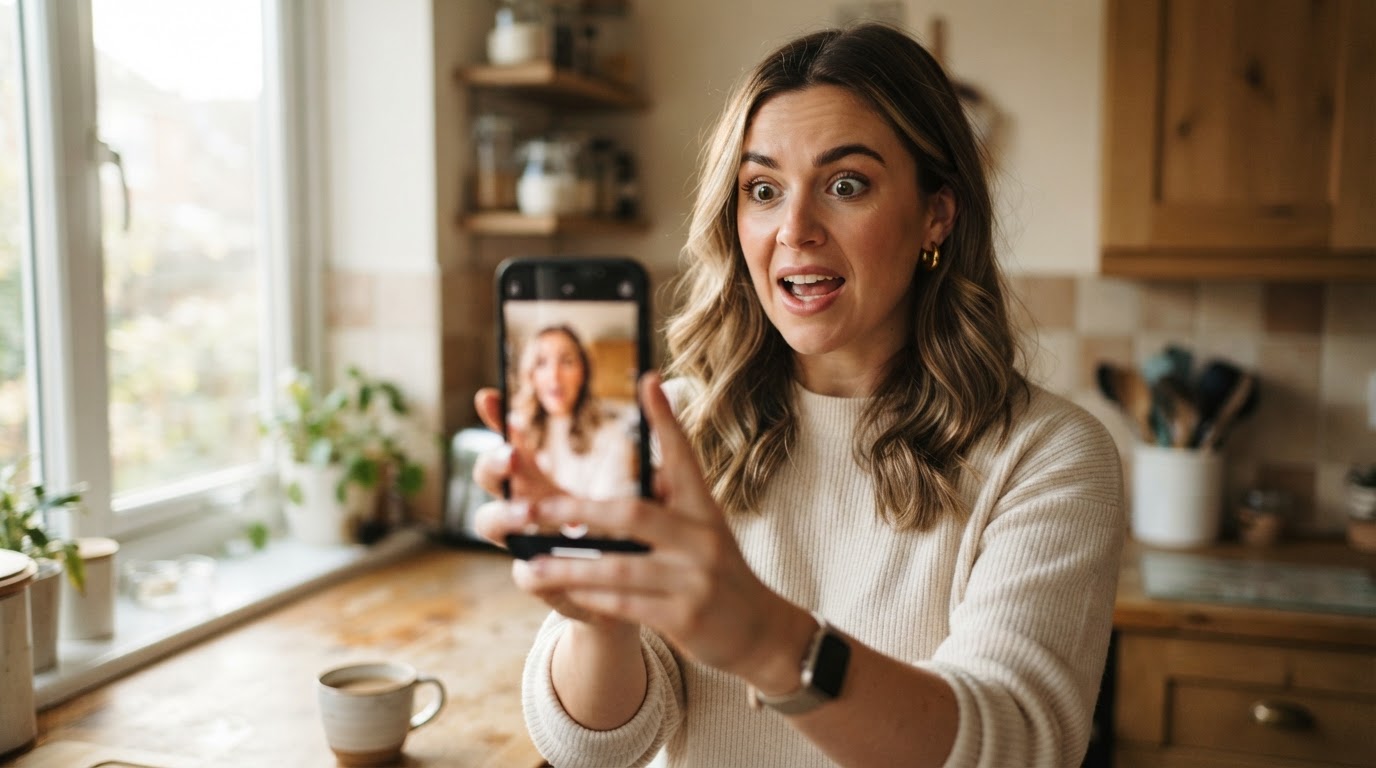
UGC stands for user-generated content. At its most basic, it means content made by real people rather than brands. Think of someone filming themselves at home saying "okay I tried this skincare thing and I genuinely cannot stop using it," then posting it to TikTok. That is UGC.
For advertisers, UGC has a specific meaning. It refers to video content that looks and feels like something a regular person made, even when a brand paid for it. The format matters more than the origin. A professionally scripted talking-head video shot in someone's living room with natural lighting and imperfect framing reads as UGC because it feels like something a person made for themselves, not something a brand produced for a commercial.
That distinction is important because it shapes how viewers respond. People scroll past polished brand ads. They stop for content that looks like a real person's honest take.
For more on the full history and definition, this overview of what UGC is covers the ground well.
What is a short-form UGC video?

A short-form UGC video is a vertical video, usually between 5 and 60 seconds, shot in a casual, authentic style. It is designed to live on TikTok, Instagram Reels, or YouTube Shorts.
The structure is usually simple:
- Hook: Something in the first 1 to 3 seconds that earns the viewer's attention. A facial expression, a surprising statement, a before shot, or a question.
- Body: A quick explanation, demo, or story that builds context.
- Payoff: The result, the offer, or the reason to care.
That is the whole thing. No fancy transitions, no brand bumper at the start, no corporate logo watermark. It looks like something someone filmed between breakfast and their morning commute.
When it works as an ad, viewers often finish watching before realizing they just watched a paid post. That is the point.
What is the difference between UGC and a content creator?
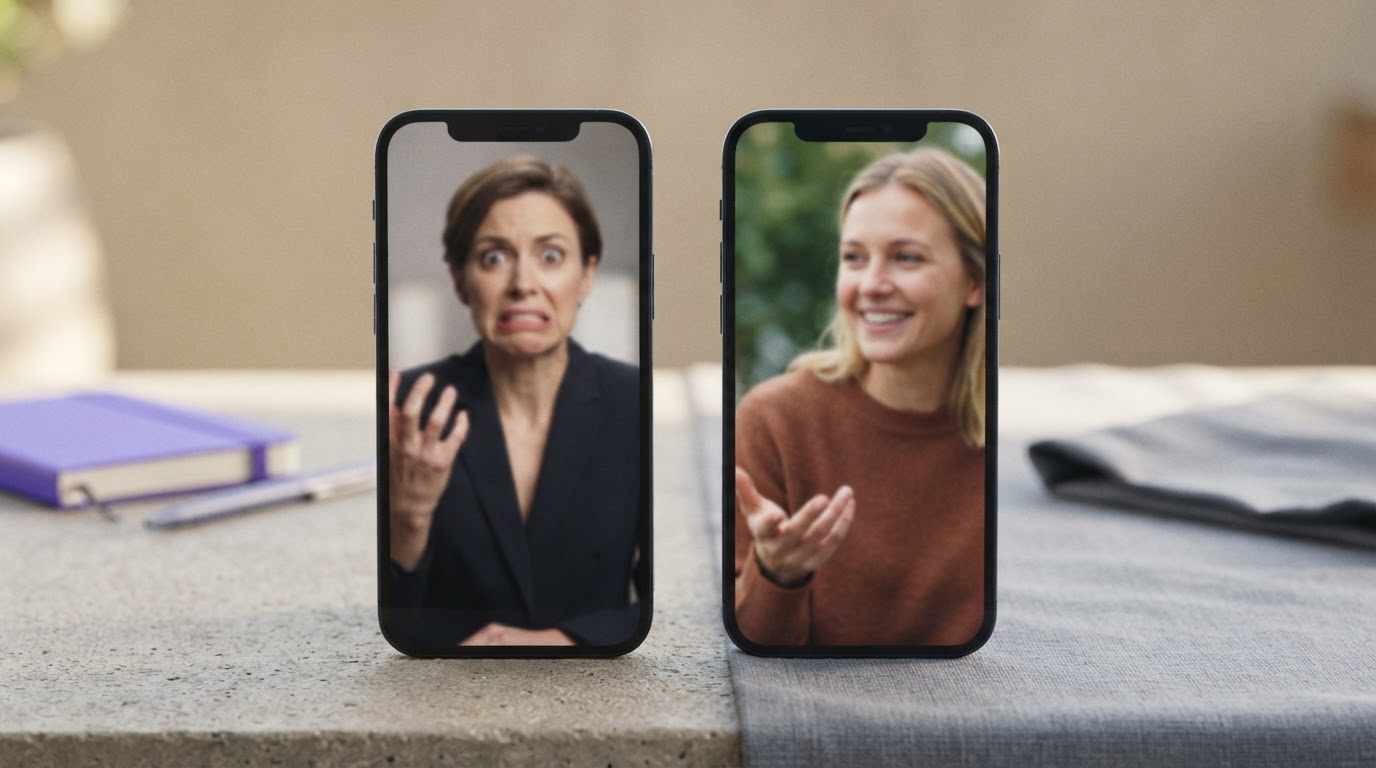
This question comes up a lot, and the answer is simpler than most articles make it.
A content creator builds an audience. They have followers, a personal brand, and influence over that audience. When a brand works with a content creator, they are paying for that audience's attention, not just the video.
A UGC creator makes content that looks authentic but delivers it to the brand rather than publishing it themselves. The brand uses it in its own paid ads or organic posts. There is no influencer relationship, no audience leverage, and often no social following required.
So when someone says "I hire UGC creators," they typically mean people who can film themselves talking naturally about products in a believable way. The brand runs those clips as ads and handles the distribution. The creator just provides the footage.
AI UGC tools occupy the same space as UGC creators. They generate footage that looks like a real person talking or reacting, which the brand can then use in ads. The key difference is cost and speed. You do not wait for a creator brief, a filming schedule, or revisions. You generate the clip and decide within minutes whether to use it.
If you want to dig into the real differences in performance, this comparison of AI UGC versus real UGC goes deeper on when each approach makes sense.
What is UGC-style video content?
UGC-style means content designed to look and feel like genuine user content, even when it is made intentionally for advertising.
The markers of UGC style include:
- Vertical framing (9:16 aspect ratio)
- Direct-to-camera talking, as if the person is recording a personal video
- Natural settings like a bedroom, kitchen, or outdoor space, not a studio
- Slightly imperfect production, including handheld feel, natural lighting, and no professional grade audio
- Conversational language rather than ad copy tone
- A single, clear point per video, not a packed script
Brands use UGC-style content because it performs better in social feeds than traditional ad creative. It earns more watch time because it does not immediately signal "this is an ad."
AI tools can now generate this style convincingly. The avatars look realistic, the lighting looks natural, and the delivery sounds human enough to pass a quick scroll test.
What AI tools create UGC videos?
Several tools exist for this now. They fall into roughly two categories:
1. Avatar video generators
These tools let you choose a digital avatar, give them a script, and generate a short video of that avatar speaking. The output looks like a real person talking to camera.
Common tools in this space include platforms focused on AI-generated talking heads. This post covers what AI tools create UGC videos in detail if you want the full landscape.
The main tradeoff: the clips look good but can feel slightly stiff if the script is too formal or if the avatar's lip sync is slightly off.
2. AI UGC workflow platforms
These go further than just generating a clip. They help you turn generated clips into complete, finished ads by pairing them with product demos, adding text overlays, scoring the quality of each clip, and managing a full library of source material.
ClipStitchr sits in this category. Instead of only generating clips, it handles the full path from raw footage to finished vertical ad. You can generate new UGC clips using saved avatars, score those clips before building an ad, pair them with product demos, add text hooks, and export finished vertical video variants, all without touching a timeline editor.
The workflow videos below show how creators are already building large volumes of UGC content with AI tools this year:
The practical workflow for creating UGC AI ads
Here is how the process works when you are building a real ad, not just a demo clip.
Step 1: Define the product and audience clearly
Before any generation happens, you need to know what the product does, who it is for, and what the viewer needs to believe in order to act. Vague inputs produce vague output. If your avatar is going to say something convincing, it needs to come from a clear brief.
Most AI UGC platforms let you save product settings so every generated clip and hook stays grounded in the same context.
Step 2: Choose or generate your avatar
Pick an avatar that fits the audience. A fitness product probably works better with someone who looks like they use fitness products. A skincare product works better with an avatar who fits the age and demographic of the buyer.
If you are using a platform like ClipStitchr, you can upload photos of a saved avatar and generate new photos of that same avatar in different settings, outfits, and lighting so you have more variety without creating a new persona each time.
Step 3: Generate the UGC clip
The clip should be short. Five to fifteen seconds is often enough for a hook. The avatar should feel like they are talking to a friend, not presenting to a boardroom.
In ClipStitchr, the Clipr tool handles this. You choose a product, select an avatar, pick a clip style (reaction or b-roll), and generate. The clip saves directly into your library as source footage.
If you need more variety from existing footage, the Swapr tool lets you take a saved person photo and apply it to existing UGC to create new footage from material you already have.
Step 4: Score the clip before using it
This step gets skipped too often. Not every generated clip is worth building an ad around. Some have weak hooks. Some have awkward pacing. Some will cause people to scroll away in the first two seconds.
ClipStitchr has a built-in scoring tool that rates each clip on hook strength, on-camera presence, pace, and short-form platform fit. A clip scores something like 84 out of 100, with individual notes on what to fix. If a clip scores low on hook, you know to trim the start or try a different opener rather than wasting time building a full ad around a clip that will not hold attention.
This matters because the quality filter sits at the beginning of the workflow, not at the end after you have already spent time building the ad.
Step 5: Pair the UGC with a product demo
A UGC opener alone is rarely enough. You also need footage that shows the product, the result, or the offer in action. This is the demo.
The typical structure is UGC opener first, product demo second. The UGC earns the viewer's attention. The demo gives them a reason to act.
In ClipStitchr, the Stitchr tool handles this pairing. You choose up to 20 UGC clips and one product demo. It creates one finished ad for each UGC and product demo combination. You preview each one before exporting.
Step 6: Add a text hook if the batch needs it
A single text overlay near the start of the video can reinforce the hook or capture viewers watching on mute. One clear line is usually better than a cluttered caption.
Step 7: Export and review before posting
Download the finished vertical ad variants. Review them once before they go anywhere. The automation in ClipStitchr can prepare daily drafts automatically, but nothing goes live until you approve it. That review step is the safety net.
How to use what you already have
A lot of marketers go straight to AI generation when they actually have footage sitting unused in their library. Before generating anything new, check what exists.
If you already have real creator clips, those are worth more than generated ones. Real people on camera still convert better than avatars for most audiences. The AI workflow exists to supplement real footage, not necessarily replace it.
For real human UGC that performs in paid ads, DansUGC is a good source if you need authentic creator content to add to your library alongside AI-generated material.
The real power of a tool like ClipStitchr is that it handles both. Real creator clips and AI-generated clips live in the same library. You can score both, pair both with demos, and build batches from both without treating them differently in your workflow.
When your library runs dry on fresh hooks, you use Clipr or Swapr to generate new material. When you have enough footage, you use Stitchr to build the ads. The workflow scales in both directions.
If you want to understand how this plays out for a brand running ongoing paid campaigns, the Guppy fitness app case study shows the practical version of this in action.
What to avoid when creating AI UGC
A few mistakes come up consistently when teams start using AI for UGC.
Using overly scripted language
The biggest tell for AI UGC is language that sounds like ad copy rather than a real person talking. Phrases like "experience the transformative power" or "achieve your best results" signal immediately that no real human said this naturally. Write scripts the way people actually talk.
Ignoring the first second
On TikTok and Instagram Reels, viewers decide whether to keep watching within the first one to two seconds. If the clip starts with a pause, a branded intro, or a slow setup, it is already losing. Every generated clip should open with something visually or verbally interesting.
Building ads before scoring clips
Spending twenty minutes trimming and editing an ad around a clip that had weak hooks and poor pacing is a common time waste. Score first, then build.
Not testing enough variants
The whole point of AI UGC is that you can test more hooks with less friction. If you are only creating one or two variants per week, the speed advantage disappears. The workflow should produce at least five to ten different openers per product so the algorithm has real data to work with.
Skipping the product demo entirely
A UGC opener without a demo is usually not enough to convert cold traffic. The viewer gets hooked by the person, then needs to see the product do something real. Pairing UGC with demo footage is what turns a good clip into a good ad.
Choosing the right approach for your situation
Not every team needs the same setup. Here is a simple way to think about which approach fits.
If you are just starting out and want to test UGC ads cheaply: Generate a few clips with a basic AI avatar tool, pair them manually with a screen recording of your product or app, and run them as test ads. Keep it simple. The goal is to find what hooks work before building a bigger system.
If you are running ongoing paid campaigns and need volume: A workflow platform like ClipStitchr makes more sense. You need a library, scoring, templates, automation, and a way to batch-produce ad variants without rebuilding from scratch each time. The TikTok UGC guide for brands covers the full strategic picture here.
If you want to grow your TikTok presence alongside paid ads: Organic and paid can use the same library of clips. The same UGC opener that runs as a paid ad can also be posted organically with a different caption. This post on how to get 1,000 views on TikTok fast is useful if organic reach is part of the strategy.
If you already have real creator footage but no system to use it: That is probably the most common situation. Lots of teams have a folder of UGC clips from creators and no clean way to turn them into ads without a video editor. ClipStitchr solves exactly that. You upload the clips, score them, pair them with demos, and export finished ads in seconds.
Putting it together
Creating UGC AI content is not complicated, but it is easy to do badly. The tools are accessible now. The bigger challenge is making sure the content you generate actually earns attention and converts.
The short version of the workflow:
- Save your product details clearly.
- Generate or upload your UGC clips.
- Score them before spending time on any clip that will not hold attention.
- Pair the best clips with your product demo.
- Add a text hook if the ad needs it.
- Export, review, and post.
If you want a tool that handles all of that in one place, ClipStitchr is built for exactly this workflow. You can upload your existing footage, generate new clips when you need them, score everything before building ads, and export finished vertical video variants without opening a timeline editor.
The library stays organized, the templates save your best setups for reuse, and the automation can keep drafts ready for you to review each day. It is the kind of system that makes the difference between having clips you never use and actually shipping ads consistently.