
Growing a mobile app without a marketing budget feels like shouting into the void. Organic content on TikTok and Instagram Reels is one of the few channels where a solo builder can genuinely compete, but most indie developers hit the same wall: they do not have time to produce enough content to make it work.
That is exactly the gap ClipStitchr was built to close. It handles the repetitive parts of short-form video production and carousel creation so builders can focus on the decisions that actually move installs, not on dragging clips around a timeline.
This post explains what a realistic content strategy looks like for a mobile app, where slideshow content fits in, and how ClipStitchr makes the whole workflow less painful.
Table of Contents
- Why content strategy matters for mobile apps
- The case for slideshow content on TikTok and Reels
- What ClipStitchr actually does
- How to build a repeatable ad workflow with ClipStitchr
- Filling the gaps when footage runs dry
- Checking quality before anything goes live
- When carousels make more sense than video
- Templates so the next batch is not starting from zero
- Practical content strategy for app growth
- The simple recommendation
Why content strategy matters for mobile apps
Most app stores are not discovery engines for unknown apps. The algorithms favor apps that already have momentum. Paid acquisition works, but it compounds cost over time and stops the moment the budget does.
Organic short-form content solves a different problem. A well-timed TikTok or Reel can send a spike of installs from an audience that was never reached by ads, because the algorithm pushes content to people based on interest, not budget. The challenge is consistency. One great video does not sustain growth. A steady stream of content does.
The builders who grow their apps with organic content are not necessarily better at video production. They are better at making content feel low-effort enough to keep doing every week. That is where workflow matters as much as creative quality.
If you want a deeper look at what consistent content does for iOS app growth over time, the ClipStitchr guide to growing an iOS app covers the full picture.
The case for slideshow content on TikTok and Reels
Video gets most of the attention when people talk about short-form content, but carousel posts and slideshows have quietly become a serious growth format. On TikTok specifically, photo carousels can loop, which means a single post accumulates watch time in ways a one-play video cannot.
Several indie app builders have reported that slideshow posts outperform their video posts in reach, simply because the format encourages slower consumption. A viewer who swipes through a carousel is more engaged than one who passively watches a 15-second clip.
The catch is that making good carousel posts takes its own kind of work. Sizing images correctly, writing slide-by-slide copy that makes sense, and keeping the visual style consistent all take time. Most builders skip carousels because video feels like the default, not because carousels perform worse.
ClipStitchr includes a tool called Swipr specifically for this. It handles the vertical sizing, lets you add photos from Pexels or your own uploads, and can draft the slide text from your product settings so the whole carousel does not start from a blank page.
What ClipStitchr actually does
ClipStitchr is a short-form ad creation tool built for indie app builders and mobile marketers. The core idea is simple: upload Hook/UGC clips and a product demo once, and the tool pairs them together to produce finished vertical ads without manual timeline editing.
That description undersells how much time it saves in practice.
Most short-form ad workflows involve:
- Finding the right clip in a folder somewhere
- Dragging it into a video editor
- Adding the product demo after it
- Sizing everything for vertical
- Adding text overlays
- Exporting and checking
- Repeating for each variation
ClipStitchr collapses steps two through seven. The user picks the product demo and the tool builds the Hook/UGC-then-demo structure using saved clips. One session can produce a batch of finished draft ads ready to review.
Everything lives in a single library: Hook/UGC clips, demos, generated clips, carousels, finished ads, and templates. Nothing gets lost between sessions, which matters more than it sounds when content production keeps getting pushed to the end of the week.
How to build a repeatable ad workflow with ClipStitchr
The workflow ClipStitchr is built around has three steps: upload once, build a library, stitch and ship.
Upload once means dropping Hook/UGC clips and product demos into the library without having to reorganize them every time a new ad needs to be made. ClipStitchr normalizes uploads for vertical short-form so the sizing and format work is done once, not every session.
Build a library means the clip collection becomes a proper asset rather than a pile of files. Clips are browsable, taggable, and scored. A library of 20 good clips is enough to produce a lot of ad variations because the pairing logic handles the combinations.
Stitch and ship is the production step. In Batch mode, the user picks a product demo, sets text styling preferences, and ClipStitchr generates a batch of Hook/UGC-then-demo drafts using saved clips. In Normal mode, the user picks specific clips to preview each pairing before exporting.
The result is a workflow that can produce a week's worth of ad drafts in a single session, which is the only kind of workflow that survives the reality of building a product while also trying to market it.
For more on how UGC content fits into a TikTok growth strategy, how UGC works on TikTok explains the mechanics in detail.
Filling the gaps when footage runs dry
Every clip library gets thin eventually. A builder who has uploaded everything they have filmed is stuck waiting on another shoot before they can make the next batch of ads. ClipStitchr addresses this with two generation tools: Clipr and Swapr.
Clipr creates short reaction and b-roll clips using a saved avatar photo. The builder chooses a product, a clip style (reaction or b-roll), and an avatar, and Clipr generates a short silent Hook/UGC clip. It lands in the Hook/UGC section of the library and can be used in Stitchr exactly like a filmed clip.
These are not meant to be polished spokesperson videos. They are short openers that earn enough attention to lead into a product demo. That is their only job, and for that job they work well.
Swapr takes a different approach. It combines a saved avatar photo with an existing Hook/UGC clip to generate a new variation. If one clip is performing well but the face in it is getting stale, Swapr can produce a version with a different avatar while keeping the motion reference from the original clip.
The combination means a thin library can stay productive without organizing a new shoot every time the current clip set runs out of useful combinations.
If the idea of generating UGC-style content without filming is new, the ClipStitchr guide to creating UGC videos with AI covers the concept and practical expectations in detail.
Checking quality before anything goes live
One of the most expensive mistakes in content marketing is spending time building an ad around footage that was never going to work. A slow opener, an awkward pause, a product moment that shows up too late: these are fixable problems, but only if they are caught before the ad goes live.
ClipStitchr includes two scoring systems specifically for this.
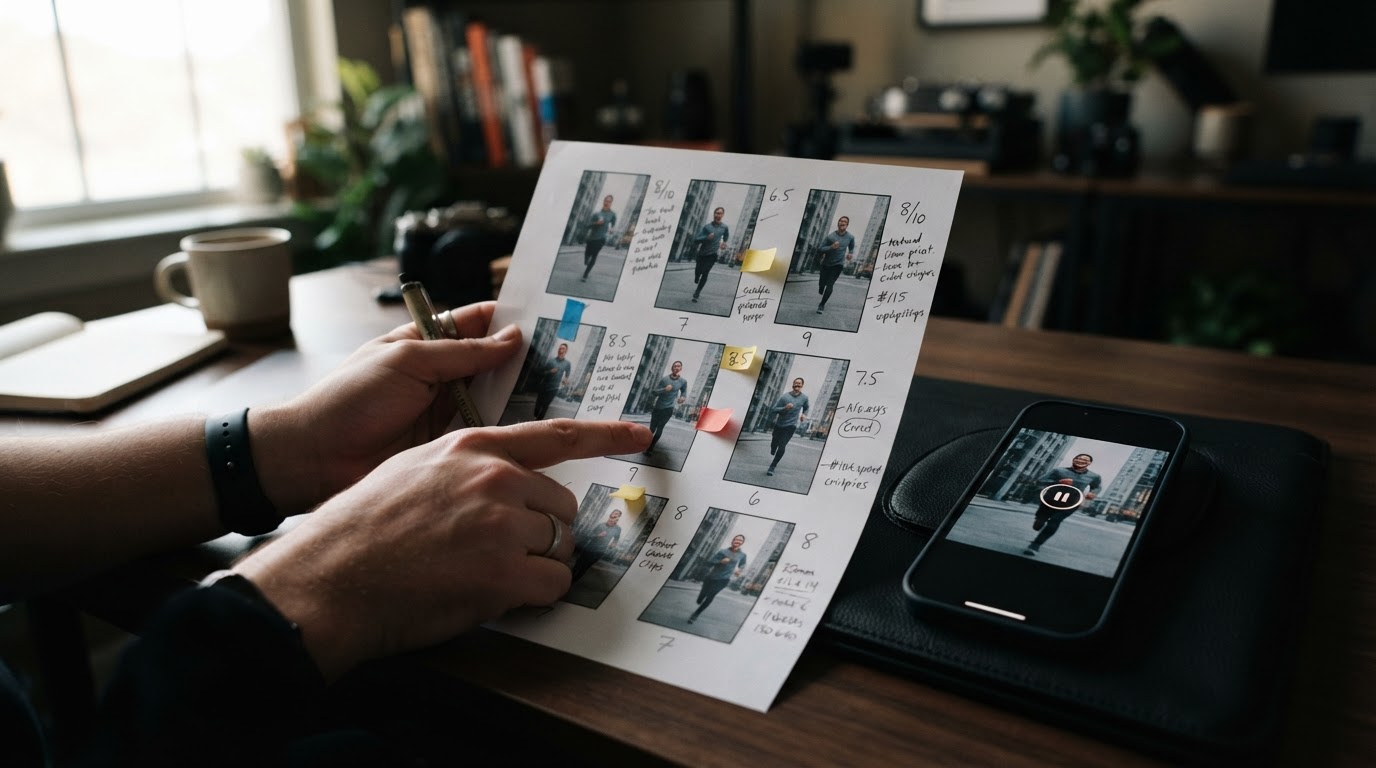
Clip Scores analyze individual Hook/UGC or demo clips across six dimensions: hook strength, on-camera presence, pacing, clarity, platform fit, and how well the clip will pair with other footage. Each clip gets a score badge in the library, and opening the clip details shows the reasoning, strengths, and quick fixes.
The scoring categories are practical rather than abstract. A note that says "trim the pause before the demo" is more useful than a vague quality rating.
Stitch Scores work at the finished ad level. After creating a stitch, a builder can score it before downloading. The score looks at the hook-to-demo flow, estimates where viewers might drop off, and flags moments to trim. The goal is to catch the obvious drag before it becomes a wasted post slot.
Neither score is a guarantee of performance. They are pre-flight checks that catch fixable problems at the cheapest possible moment, before the ad is live and the budget is running.
When carousels make more sense than video
Not every idea fits in a 15-second video. Some app concepts take a bit more explanation. A before-and-after comparison, a step-by-step feature walkthrough, a social proof sequence with quotes and numbers: these formats do better as carousels because they give the viewer time to read and absorb each slide.
ClipStitchr's Swipr tool handles vertical carousel creation. Each Swipe can have up to 8 slides. Builders add a photo (from Pexels, from their own uploads, from a saved avatar, or AI-generated) and write text for each slide. Swipr can also draft the slide copy from saved product settings, which removes the blank-page problem that makes carousel creation feel harder than it is.
Saved Swipes live in the library alongside clips and finished video ads. They can be revised and re-downloaded without starting over, which matters when the text needs one more pass before posting.
For app builders who have been skipping carousels because video feels like the obvious format, Swipr makes the case that carousels are worth adding to the rotation. The Reddit thread on TikTok slideshows for business growth has plenty of real-world accounts from builders who found the format quietly effective.
Templates so the next batch is not starting from zero
Every time a builder finds a format that works, there is a choice: try to remember what made it work and reconstruct it from scratch next time, or save the structure so it can be reused.
ClipStitchr's Templates feature saves the setup from a finished stitch: the clip trims, text overlay timing and style, caption and hashtag copy, audio settings, and sequence structure. The next time a similar ad needs to be made, the builder loads the template instead of rebuilding from memory.
In Batch mode, a template supplies the text and caption style while ClipStitchr still picks fresh clip pairings from the library. In Normal mode, the saved setup pre-fills everything so the builder only needs to swap clips or adjust text.
The cumulative effect of this is significant. The first batch of ads in ClipStitchr might take a full afternoon. By the fifth or sixth batch, a saved template means most of that session is just reviewing drafts, not rebuilding structure.
For app builders who have found a specific hook structure that drives installs, a template turns that structure into a reusable asset rather than a memory that fades between content sessions.
Practical content strategy for app growth
Putting all of this together into an actual content strategy looks something like this:
Start with one product demo. Record a clean screen capture or walkthrough of the most compelling thing the app does. This is the foundation. ClipStitchr pairs every Hook/UGC clip against this demo, so the quality of the demo matters.
Upload 5 to 10 Hook/UGC clips. These are the openers: reaction clips, testimonial-style talking clips, before-and-after moments, or anything that earns attention in the first two seconds. If filming these feels out of reach, Clipr can generate reaction and b-roll clips from an avatar photo.
Let ClipStitchr run a batch. In Batch mode, select the demo, leave text styling on Any, and generate. The output is a set of draft ads, each pairing a different Hook/UGC clip with the demo. Review them, score the ones that look promising, and download the best two or three.
Post consistently, not constantly. Two or three posts per week on TikTok and Reels is enough to build momentum without burning out. The goal is a sustainable cadence that keeps the algorithm active on the account, not a sprint that exhausts the library in a week.
Add a carousel to the mix. Use Swipr to create one carousel per week covering a different angle: a feature explanation, a user benefit list, a stats comparison, or a how-it-works sequence. Carousels take less time to produce than video ads and can reach audiences who skip video posts.
Check scores before posting. Run Clip Scores on new uploads and Stitch Scores on promising drafts before anything goes live. Fix the easy problems the scores flag and skip the clips that need more work than the week allows.
Save a template when a format works. When a stitch produces a strong result, save it as a template immediately. This makes the next batch faster and keeps the winning structure available even months later.
Watch what the numbers say. ClipStitchr connects with Post Bridge to handle scheduling and pull simple performance data back into the workflow. This creates a feedback loop: the results from posted content guide which clip styles to prioritize in the next batch.
This is not a complex strategy. It is a repeatable loop: upload, generate, score, post, learn, repeat. The compounding effect of running this loop consistently is how organic content grows an app over months rather than weeks.
For a real example of what this looks like in practice, the Guppy fitness app growth case study shows how consistent short-form content drove download growth for one app using this kind of workflow.
If getting early TikTok traction feels like the hardest part, getting 1000 views on TikTok fast covers the practical mechanics of getting the algorithm to push new content.
Hook Lab and overlay text that does not sound fake
One detail that trips up a lot of builders is the text overlay. The words that appear on screen in the first two seconds can double or cut engagement, but writing hooks that sound natural rather than like an ad is genuinely hard if writing is not already a strength.
ClipStitchr includes Hook Lab for this specific problem. The builder pastes in a few lines that made them stop scrolling (including lines from their own posts that worked well) and a few examples that sounded fake or forced. Hook Lab uses those examples to generate overlay options that match the style rather than producing generic marketing copy.
The process is different from asking an AI to write an ad hook. Giving it examples of what to avoid is as important as giving it examples of what works. The output is a set of options to review before export, which is better than pretending the first line is fine when it is not.
Comparing the options
Builders who want to produce short-form content for their apps have a few paths available.
Manual video editing with tools like CapCut or DaVinci Resolve gives full control but requires real time investment. A single ad variation can take an hour. Running this at scale is a second job.
General AI video tools can accelerate production but are usually built for agencies or brands with larger budgets and existing creative teams. They do not solve the library organization problem or the scoring problem. They produce output, but the workflow is still the builder's problem to manage.
UGC marketplaces like DansUGC provide access to real-human UGC footage, which is genuinely useful for builders who want authentic creator content without doing the filming themselves. This is a different solution than ClipStitchr: one is a library of footage to source, the other is a workflow to produce ads from footage already in hand. Both can be used together.
ClipStitchr sits at the intersection of library management, ad production, quality scoring, and carousel creation. It is specifically built for the indie app builder or small mobile marketing team that needs a repeatable workflow, not a one-off project tool.
The honest comparison is not about which tool is better in isolation. It is about which tool removes the specific friction that keeps the content calendar empty. For most indie builders, that friction is the time cost of manual editing and the disorganized clip library that makes starting each session harder than it needs to be.
The simple recommendation
If the goal is growing a mobile app with organic content on TikTok and Reels, the fastest path forward is a workflow that runs consistently rather than one that looks perfect occasionally.
ClipStitchr makes the consistent workflow possible by handling the parts that usually eat the most time: pairing clips with demos, sizing for vertical, generating draft ads in batches, scoring for obvious problems, and saving structures that work for reuse.
Adding carousels through Swipr extends the content surface without requiring more filming. Using Clipr and Swapr fills library gaps when new footage is not available. Templates compound the value of every well-performing ad structure over time.
The result is a content machine that an indie builder can actually run, not one that sounds good in a strategy document and quietly dies by week three because it is too time-consuming to maintain.
Start a free 14-day trial at ClipStitchr and try the workflow with one product demo and a handful of saved clips. No credit card required, no timeline editor involved.