
The short answer: both tools generate AI avatar videos that look like UGC ads. Arcads leans toward polished, realistic digital humans with scripted delivery. MakeUGC leans toward a wider library of avatar styles with a simpler interface. Neither one is a complete ad production system, and for solo founders or indie app builders, the gap between what they promise and what they actually deliver matters a lot.
This post breaks down what each tool does, where each one struggles, and what to look at when you need more than a talking-head video to run a real short-form ad campaign.
Table of Contents
- What is a UGC-style video, really?
- What is the AI that creates UGC videos?
- UGC vs content creator: a quick distinction
- What is Arcads?
- What is MakeUGC?
- Arcads vs MakeUGC: feature by feature
- Where both tools fall short for app marketers
- What a complete short-form ad workflow actually needs
- A third option worth knowing about
- Which tool should you pick?
What is a UGC-style video, really?
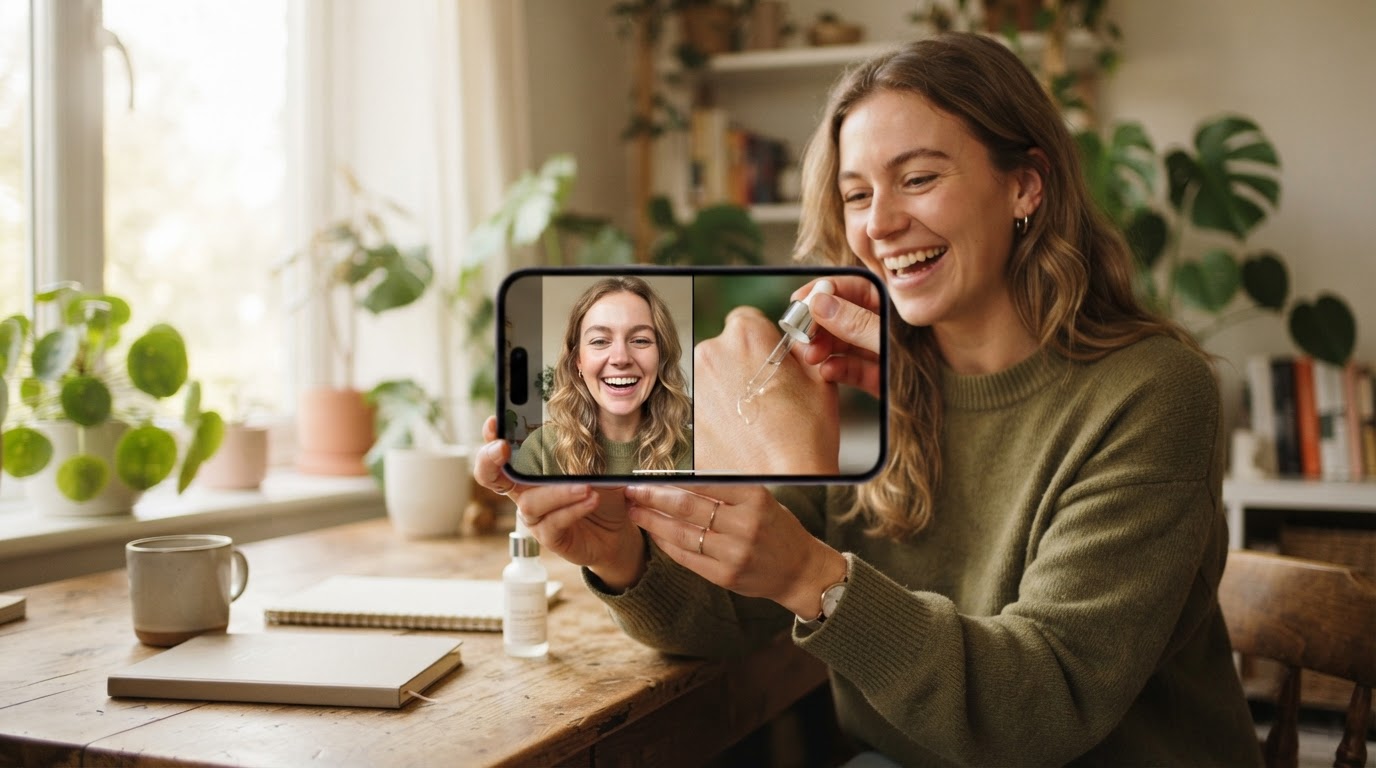
UGC stands for user-generated content. In the advertising world, it has come to mean short video content that looks and feels like something a real person filmed on their own phone rather than something produced by a brand's creative team.
The format works because it does not look like a traditional ad. People scroll past polished brand videos all day. A slightly rough, direct-to-camera clip from someone who looks like a regular person catches attention differently.
For short-form platforms like TikTok and Instagram Reels, UGC-style ads typically follow a simple structure: a hook that grabs attention in the first two or three seconds, followed by a product moment or demo that shows what the product actually does. That structure is described in more detail in this guide to the hook and demo format.
The key thing to understand is that "UGC-style" is a visual and tonal quality, not a production method. It can be filmed by a real creator, recorded by a founder on their phone, or generated by an AI avatar tool. What matters is whether the final video actually holds attention and connects the viewer to the product.
What is the AI that creates UGC videos?
Several AI tools now generate UGC-style videos using digital human avatars. These tools use text-to-video or text-to-speech technology combined with a library of avatar faces and bodies to produce a clip that looks like a person talking to a camera.
The most common approach: you type a script, choose an avatar, and the tool generates a video of that avatar delivering your script. The result can be surprisingly convincing, especially for short clips.
This post on what AI creates UGC videos goes deeper into the different tools and approaches in this space. Arcads and MakeUGC are two of the better-known names in this category, alongside tools like HeyGen and others.
UGC vs content creator: a quick distinction
People sometimes use "UGC creator" and "content creator" interchangeably, but they are slightly different things.
A content creator typically builds their own audience and produces content for their own channels. Brands sometimes pay them for sponsored posts, but the creator retains their own voice and audience relationship.
A UGC creator produces content for the brand to use in its own ads and channels. They do not need a large following. They just need to film convincing, on-brand clips that the company can run as paid ads or organic posts. The content is licensed to the brand rather than published on the creator's profile.
AI UGC tools try to replace or supplement UGC creators by generating those brand-owned clips without needing to find, brief, and pay a real person. The full breakdown of the difference between UGC and content creators is worth reading if this distinction matters for your workflow.
What is Arcads?
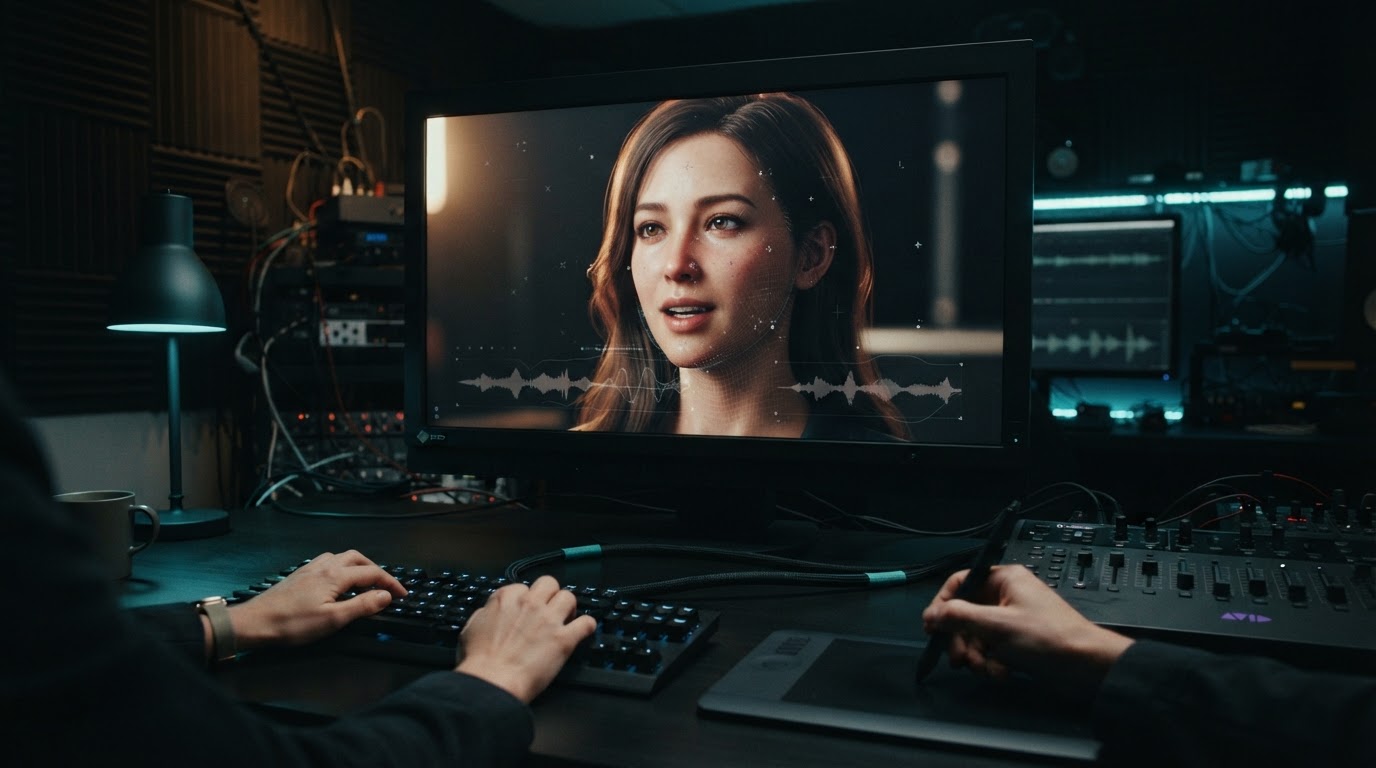
Arcads is an AI video generation platform focused on producing realistic avatar-based UGC ads. The pitch is straightforward: write a script, choose a digital human avatar, and get back a video that looks like a creator filmed it.
The avatars in Arcads tend to look more photorealistic than many competitors. The lip-sync is generally good for a talking-head clip. The platform also supports custom avatar creation, which lets brands build a recurring "face" for their ad content without paying a creator for every new batch.
Arcads has been popular with performance marketers running paid social campaigns because the output looks polished enough to pass as real UGC in a feed, and new scripts can be turned into videos quickly without a filming session.
Where Arcads works well:
- Quick turnaround on scripted talking-head ads
- High realism for avatar lip-sync and delivery
- Good for testing multiple script angles without hiring creators
- Custom avatar building for brand consistency
Where Arcads struggles:
- Pricing can get expensive at volume
- The output is a single avatar clip, not a finished ad with a product demo stitched in
- No built-in system for pairing hooks with product footage
- You still need a separate editing workflow to assemble a complete ad
What is MakeUGC?
MakeUGC takes a similar approach but with a broader avatar library and a slightly more accessible interface. The platform lets you browse a large range of avatar styles, which makes it easier to find a face that fits your product and target audience without building a custom avatar from scratch.
MakeUGC is also popular with marketers who want to test multiple "creator" personas quickly. Because the avatar library is wide, you can produce the same script delivered by different-looking people and test which face performs better with a given audience.
Where MakeUGC works well:
- Large avatar library for testing different looks and personas
- Faster setup for new users without deep video production knowledge
- Decent for generating a volume of hook variations
- More accessible pricing at some tiers compared to Arcads
Where MakeUGC struggles:
- Avatar realism can be inconsistent across the library
- Same core limitation as Arcads: you get a talking head, not a finished ad
- No scoring or feedback on whether the hook is actually any good
- Still requires a separate tool or manual editing to combine with product footage
Arcads vs MakeUGC: feature by feature
Here is a direct comparison of how the two tools stack up on the things that actually matter for a working ad workflow.
| Feature | Arcads | MakeUGC |
|---|---|---|
| Avatar realism | High, photorealistic digital humans | Variable, wide library but inconsistent quality |
| Custom avatar creation | Yes | Limited or plan-dependent |
| Avatar library size | Moderate, curated | Large, broad styles |
| Script-to-video speed | Fast | Fast |
| Hook scoring or feedback | No | No |
| Built-in demo stitching | No | No |
| Product library or asset management | No | No |
| Batch ad creation | Limited | Limited |
| Pricing transparency | Moderate | Generally clear |
| Best for | Performance marketers needing polished talking-head hooks | Marketers testing multiple avatar personas quickly |
The table reveals the core problem with both tools: they solve the avatar generation problem, but they stop there. A UGC-style ad is not just a talking-head clip. It is a hook that earns attention followed by a product moment that converts it. Neither Arcads nor MakeUGC has a built-in way to combine that avatar hook with a product demo and produce a finished vertical ad ready to post.
Where both tools fall short for app marketers

If you are an indie app builder or solo founder trying to run TikTok or Reels ads without a dedicated editing team, both Arcads and MakeUGC leave you with a half-finished workflow.
Here is what typically happens:
- You generate a hook clip using one of these tools.
- You open a video editor to combine that hook with a screen recording of your app.
- You manually add captions, adjust timing, and export at the right aspect ratio.
- You repeat this for every hook variation you want to test.
- You lose track of which clips are paired with which demos, which combinations you have already tested, and which hooks actually performed.
That process is tedious and hard to scale when you are also building the product. The discussion on UGC ad creation workflow alternatives covers why so many solo founders end up abandoning a consistent posting cadence: the editing loop kills momentum before the testing even begins.
There is also the quality question. A talking-head avatar clip can look realistic in isolation, but audiences are getting better at identifying AI-generated faces. Platform feeds are full of this type of content now, and the novelty is wearing off. A clip that shows the product actually working, paired with a genuine hook, often outperforms a polished AI face reading a script.
This is not an argument against using AI avatars. They are genuinely useful for filling a library gap or testing script angles quickly. But they work best as one part of a broader content system, not as the whole strategy.
What a complete short-form ad workflow actually needs
A working short-form ad workflow for an app marketer has a few basic requirements that Arcads and MakeUGC do not cover on their own.
A way to pair hooks with product demos at scale. Testing one hook against one demo is fine. Testing twenty hooks against the same demo is where patterns emerge and decisions get easier. Doing that manually in any video editor is slow and creates a mess of files with no way to track what you have already tried.
Scoring or quality feedback before posting. Spending time assembling an ad that has a weak opener or a bad hook-to-demo transition is a waste. Some signal before you post, even a rough one, helps prioritize which combinations to test first.
A persistent library. Every hook clip, demo recording, avatar, and finished ad should live in one place that carries context from one session to the next. When you come back a week later, you should not have to rebuild from a folder of unnamed files.
A way to generate new source clips when the library gets thin. A real person filming new clips every week is not realistic for most solo founders. Some way to generate reaction clips, b-roll, or demo remixes helps keep the content cycle moving without a full production session.
Carousel support and automation. Not every ad is a video. Carousel posts drive engagement on some platforms, and daily or weekly automation keeps the posting cadence consistent even when the founder is heads-down building.
For the best video editing tools for short videos the post covers options that help with the editing side, but most of them still require rebuilding the same workflow every time.
A third option worth knowing about
For indie app builders who already have footage, screen recordings, or a few real UGC clips saved, there is a different category of tool that handles the full campaign loop rather than just the avatar generation step.
ClipStitchr is built around a single workflow: upload your hook or UGC clips and a product demo, batch them together into finished vertical ads, review the results, and post. The tool handles up to twenty hook clips paired with one demo in a single batch, which means you can have twenty finished ad variations ready to review in one session rather than assembling them one by one.
The difference in philosophy is worth noting. Arcads and MakeUGC start from "how do we generate a convincing avatar." ClipStitchr starts from "how do we turn the footage you already have into a complete set of ads without rebuilding the same editing steps every week."
What ClipStitchr includes that the avatar tools do not:
- Clip scoring that rates each hook on opener strength, pacing, clarity, and short-form platform fit. This means you know before you build which clips are worth pairing with your demo.
- Stitch scoring that checks the finished ad for hook-to-demo flow, drop-off risks, and suggested trims before you post. It is a quick gut check that catches obvious problems without requiring a full review session.
- Clipr for generating short reaction, b-roll, or remixed demo clips when the library is thin. This is where AI avatar generation fits into the workflow, as a tool to fill gaps, not as the whole strategy.
- Swipr for building carousel drafts from saved product content.
- Hook Lab for surfacing hook ideas and patterns that have worked before.
- A shared library where every clip, demo, avatar, template, carousel, and finished ad lives together so each session picks up where the last one ended.
- A CLI tool for recording demos, starting batches, and queuing finished work from the terminal without opening a browser.
- Daily draft automation on higher plans so the posting cadence keeps moving even without a manual session.
The pricing is also more predictable. Starter is $39 per month for one product with 2,000 creation credits and 3 Clipr or Swapr videos. Pro is $99 per month for three products, 8,000 credits, 10 Clipr or Swapr videos, and daily drafts for one product. Agency is $399 per month for ten products, 20,000 credits, unlimited stitches, and daily drafts for all ten products.
For context, a single round of UGC creator videos from a freelance marketplace can cost more than several months of a Pro plan. The UGC cost calculator is a useful reference for what real UGC production typically costs versus a tool-based approach.
ClipStitchr also has a real case study from a fitness app called Guppy that published 75 reels in one month while the app was still being built. The output was 58,000 organic views and over 161,000 total views across organic and paid distribution. That kind of output volume from a single founder is not realistic with a tool that requires manual assembly for every video.
For those using carousels alongside video, the post on how ClipStitchr helps grow a mobile app with slideshow content explains how Swipr fits into the same workflow.
If you need to automate posting once ads are ready, Post-Bridge integrates with ClipStitchr through the Post Bridge API to handle scheduling and analytics without a separate manual step.
Which tool should you pick?

The right choice depends on what your actual bottleneck is.
Choose Arcads if: you are running paid social at volume, you need a consistent avatar face across a large number of scripts, and you already have a separate editing workflow that handles the rest of the ad assembly. Arcads produces some of the most convincing avatar output in the category and is worth the price if the avatar clip is the only thing you need generated.
Choose MakeUGC if: you want to test a wide range of avatar styles and personas quickly, your budget is tighter, or you are in the early stages of figuring out which "creator" face resonates with your audience before investing in a custom avatar.
Choose ClipStitchr if: you already have footage, you are a solo founder or indie app builder without a dedicated editing team, and you need to go from a library of clips to a batch of finished ads without rebuilding the same workflow every week. The clip scoring, stitch scoring, and persistent library make it a better fit for people who need a system, not just a generation tool.
It is also worth saying that these tools are not mutually exclusive. Some marketers use Arcads or MakeUGC to generate avatar hooks, then upload those clips into ClipStitchr to pair them with product demos and batch the final ads. That combination covers the full workflow without requiring a separate editing app.
The broader landscape of AI UGC tools is also worth understanding. The guide to what AI UGC is and how it works is a good starting point if you want more context before committing to any tool.
The real question to ask
Before picking any tool, it is worth asking a more specific question than "which tool is better." The better question is: what part of the workflow is actually broken for me right now?
If the answer is "I do not have a convincing hook clip," Arcads or MakeUGC helps.
If the answer is "I have clips but they never turn into finished ads," ClipStitchr is the more direct fix.
If the answer is "I make ads but I have no idea which ones are worth posting," the scoring features in ClipStitchr are what you need before adding more generation tools to the stack.
Most solo founders and indie app builders have the second or third problem, not the first. They have screen recordings. They have a few phone clips. They have ideas. What they do not have is a system that turns those assets into a consistent batch of tested, ready-to-post ads without eating their whole week.
That is the gap Arcads and MakeUGC do not fill. It is also exactly what ClipStitchr is built to solve.
If the workflow description above sounds like the missing piece, ClipStitchr starts at $39 per month and includes every tool in the system from the first plan. There is no reason to piece together three separate tools when one campaign loop covers the whole job.