
If you have ever searched Reddit for UGC ad creation tools or short-form video workflow alternatives, you already know what you get back: a mix of one-sentence tool recommendations, heated debates about which AI avatar looks least creepy, and the occasional buried comment from someone who actually tested five platforms over three months.
This post is for the people who want the actual answer, not just the thread.
The direct answer: The best UGC ad creation and short-form video workflow alternative depends on what you are already stuck on. If you have clips but no finished ads, you need a stitching or assembly tool. If you have no clips at all, you need AI generation first. If you have both but lose everything between sessions, you need a library and workflow tool. Most Reddit threads treat these as the same problem. They are not.
Table of Contents
- What is a short-form UGC video, exactly?
- What is the actual workflow bottleneck?
- How to make realistic UGC videos
- What AI tools create UGC videos?
- Comparing the common options
- What the best video editor for short videos actually looks like
- How much do UGC creators make per video?
- A simple recommendation for indie builders
What is a short-form UGC video, exactly?

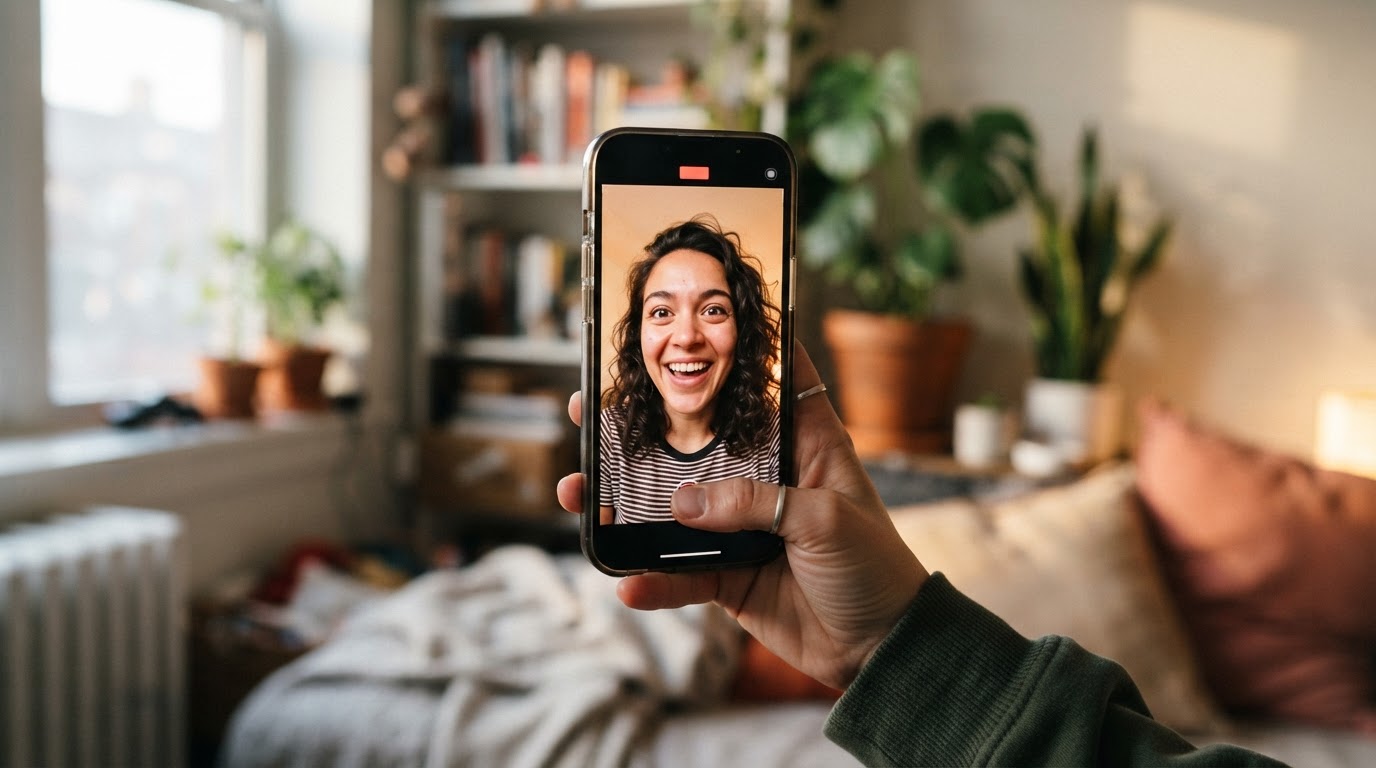
UGC stands for user-generated content. In the context of paid ads and organic TikTok or Reels posts, it refers to video content that looks like it was made by a real person, not a brand. Think talking-head reactions, casual product demos, before-and-after clips, and testimonials shot on a phone.
Short-form UGC video combines that casual feel with a tight format: usually under 60 seconds, vertical orientation, and a hook in the first two seconds that earns the next five.
The format works because it does not look like an ad, even when it is one. A viewer scrolling TikTok who sees a polished studio ad skips it. A viewer who sees someone reacting to an app result is more likely to stop.
For more background on how UGC works on TikTok specifically, the TikTok UGC ultimate guide for brands covers the mechanics in detail.
What is the actual workflow bottleneck?
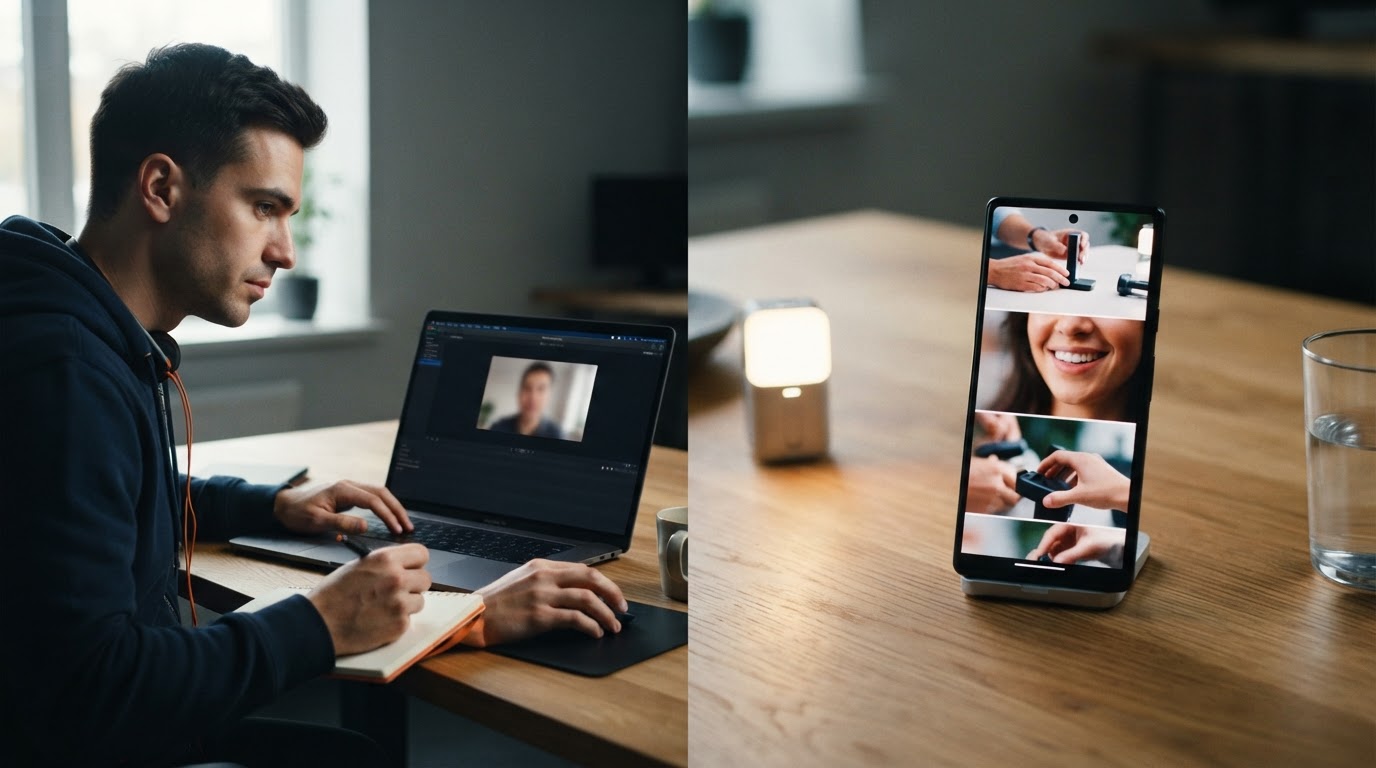
Most people searching for "UGC ad creation workflow alternatives" on Reddit are not trying to understand the format. They already understand it. They are stuck somewhere specific.
Here are the four most common places people get stuck:
1. No clips to start with. The product exists, the demo is recorded, but there is no hook footage. No one on the team wants to be on camera, and hiring a UGC creator feels expensive for one test.
2. Clips exist, but nothing is finished. There are folders of raw clips, a recorded product demo, and no finished ad. The editing step keeps getting skipped because opening a timeline editor for a 20-second ad feels like too much.
3. Finished ads exist, but the process does not repeat. One ad got made. Maybe it worked. But the next one requires rebuilding the same structure from scratch, which is annoying enough to delay the whole batch.
4. Everything is scattered. Clips are in one folder, demos in another, drafts in a chat thread, and the finished ad is... somewhere. Every new session starts with ten minutes of looking for the right file.
The tool that solves problem one does not automatically solve problems two, three, or four. That is why Reddit threads go sideways fast. Someone recommends an AI avatar tool and someone else complains it does not help them assemble ads. Both people are right. They just have different bottlenecks.
The pros and cons of short-form video post covers this format tradeoff in more detail if the workflow overhead feels like it might not be worth it.
How to make realistic UGC videos
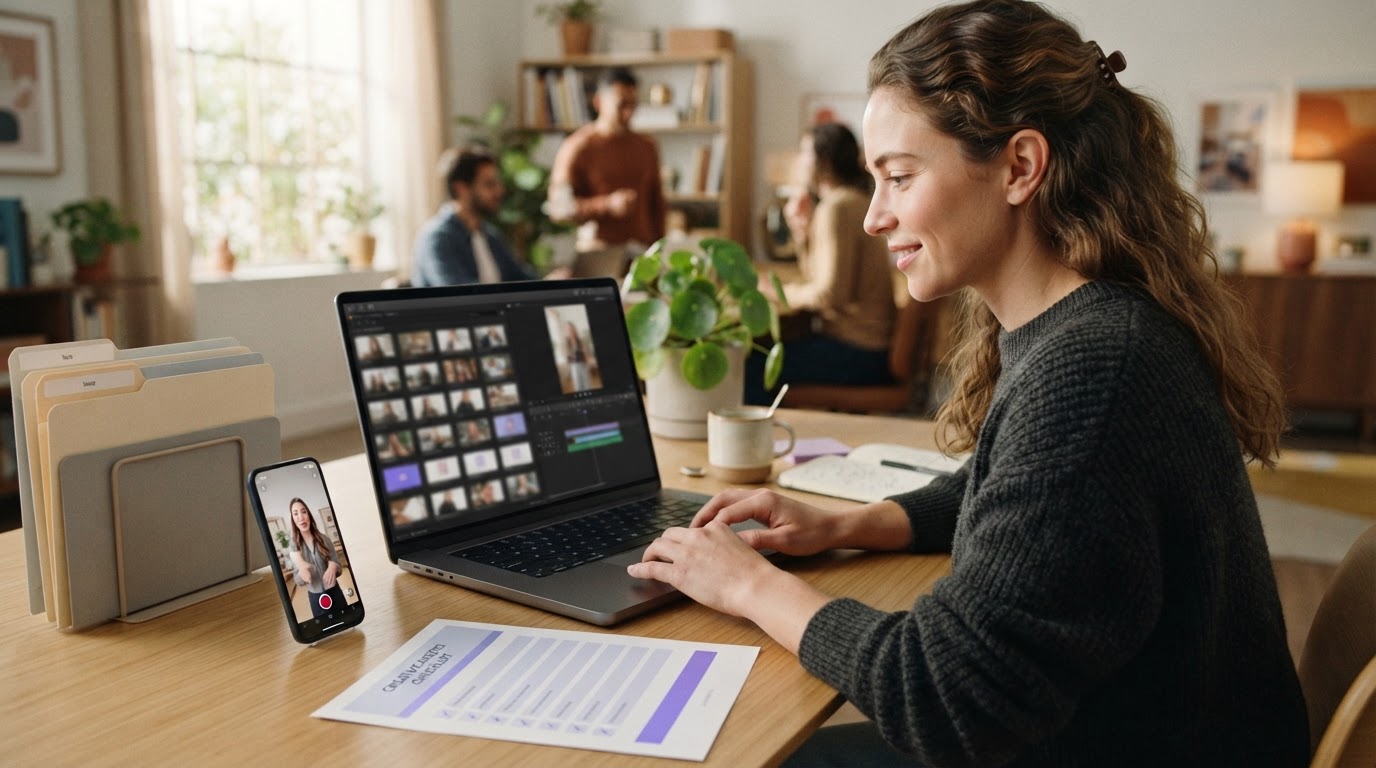
Realistic UGC comes down to a few things that have nothing to do with production value:
The opener feels human. A person reacting to something, not a brand announcement. "I tried this for 30 days" lands differently than "Introducing our new app."
The lighting is imperfect but intentional. Natural window light or soft indoor light looks real. Harsh ring lights with a branded background look like a studio ad.
The pacing stays tight. One idea per clip. No lingering on anything that does not earn its seconds. Short-form viewers are trained to leave the moment a video slows down.
The hook arrives immediately. The first two seconds need to create a question in the viewer's mind. "Why is she reacting like that?" or "Wait, that's what the app does?" are both good hooks.
For people who cannot or do not want to film these clips themselves, AI-generated UGC has improved significantly. The clip does not need to fool anyone into thinking it is an Oscar performance. It needs to be good enough to earn five more seconds of watch time.
The post on how to create UGC videos with AI covers the generation side more thoroughly.
What AI tools create UGC videos?
This is the question Reddit answers most aggressively, and also most inconsistently. Here is a plain breakdown of what actually exists:
AI avatar generators
These tools let you choose a virtual person, give them a script, and output a talking-head clip. The avatar moves its mouth, gestures, and generally behaves like a person in front of a camera.
Common tools in this category include Creatify, HeyGen, Arcads, and MakeUGC. The quality varies a lot between tools. Some avatars look natural in a 15-second clip. Others have subtle facial movements that feel off and would get spotted immediately on a skeptical feed.
The AI that creates UGC videos post goes into how these generation tools actually work and what to watch for.
Reaction and b-roll clip generators
Instead of scripted talking heads, some tools generate short silent clips: facial reactions, hands-on-product moments, or contextual b-roll. These are shorter and more useful as hooks because they do not need to carry dialogue. They just need to show a human moment before the product demo takes over.
ClipStitchr includes tools called Clipr and Swapr that work this way. Clipr creates short reaction and b-roll clips from an avatar photo and a product context. Swapr takes an existing clip and swaps the person with a saved avatar photo to create variation without filming again.
Workflow and assembly tools
These do not generate footage. They take what you already have and help you assemble finished ads faster. ClipStitchr is built around this: upload hook clips and a product demo once, and the Stitchr tool pairs them together into finished vertical ads without requiring timeline editing.
Comparing the common options
Here is how the main categories stack up for different situations:
Creatify
Creatify is built around scripted AI avatars with a product URL input. You paste a product link, pick an avatar, and it generates a full talking-head ad. It handles end-to-end ad creation from scratch.
Good for: generating a complete ad when you have zero footage. Weaker for: iterating quickly on existing clips, managing a library of footage across products, or creating batch ads from saved material.
HeyGen
HeyGen is primarily a video avatar platform used for scripted presentations and localized video. It is less focused on ad creation and more focused on explainer-style video. It has a strong avatar library and voice cloning features.
Good for: scripted talking-head content, localization. Weaker for: the hook-plus-demo ad format that works on TikTok and Reels.
For a direct comparison, the HeyGen alternatives post breaks down what each tool does differently.
Arcads and MakeUGC
Both are in the scripted AI UGC ad space. They let you write a script, choose an avatar, and generate a clip. Arcads has a broader avatar library. MakeUGC is more lightweight.
Good for: quick scripted clip generation. Weaker for: users who have footage and want to assemble rather than generate.
For a breakdown of alternatives to each, see the MakeUGC alternatives post and the Arcads alternatives post.
ClipStitchr
ClipStitchr is built for users who have clips (or can generate them) and want to produce finished ads without spending a session in a timeline editor. The core workflow is: upload hook clips and a product demo, open Stitchr, and create a batch of finished drafts.
The library keeps everything in one place: hook clips, demos, generated clips from Clipr and Swapr, carousel drafts from Swipr, and finished ads. Clip and Stitch scores give a quick read on weak openers and pacing problems before anything gets posted. Templates save the structure of a working ad so the next batch does not start from zero.
Good for: indie app builders and mobile marketers who need a repeatable ad production workflow without hiring an editor. Weaker for: users who have no footage at all and need a fully scripted avatar to carry the whole ad.
The comparison post covering ClipStitchr vs competitors has more detail on how it fits against the avatar-first tools.
CapCut and traditional editors
CapCut is the most commonly recommended short-form video editor on Reddit. It is free, has TikTok-style templates, and handles vertical format natively. DaVinci Resolve is often recommended for people who want more control.
These are good tools for manual editing. The problem is that they do not solve the workflow problem. Every new ad still requires opening a project, dragging clips, adjusting text, and exporting. For someone making ten ads a week from the same product demo, that is a lot of repeated manual work.
What the best video editor for short videos actually looks like
The answer depends on what "best" means for the situation:
If the priority is speed and repetition: A workflow tool that pairs clips with a demo and produces drafts automatically beats any manual editor. The editing happens at the review stage, not the production stage.
If the priority is creative control over every frame: A tool like CapCut or DaVinci gives full control. But creative control comes with creative time. For an indie builder who has a product to grow, spending two hours editing a 30-second ad every week is a real cost.
If the priority is hook writing: Hook Lab inside ClipStitchr is worth knowing about. Most builders are not copywriters, and the text overlays on short-form ads are where a lot of impressions are won or lost. Hook Lab takes a few lines that feel right and a few that feel fake, then generates overlay text options that sound less like a prompt and more like a person.
If the priority is knowing whether a clip is worth using before committing to it: Clip scoring catches problems before they become wasted posts. ClipStitchr scores hook clips on opener strength, camera presence, pacing, and short-form fit. Stitch scores check finished ads for drop-off risks and hook-to-demo flow. Neither feature exists in a traditional editor.
The how to record a product demo post is useful for the demo side of the equation.
How much do UGC creators make per video?
This question shows up in Reddit threads because many people searching for "UGC ad creation workflow alternatives" are either trying to hire creators or are creators themselves.
The short answer: UGC creator rates vary widely. Entry-level creators often charge between $75 and $150 per video. More experienced creators with proven ad performance track records charge $300 to $700 per video. Creators who also handle scripting, editing, and posting rights can charge more.
For indie builders with limited budgets, these rates make sense only if the UGC is going into a tested ad that is already showing some signal. Spending $500 on a clip before knowing whether the product demo even converts is a risky order of operations.
The alternative is to generate hook clips using AI tools (Clipr, Swapr, or avatar generators), test the ad format cheaply, and bring in a real creator only once there is a signal worth scaling.
Libraries of real-human UGC ads like DansUGC can also be useful for studying what high-performing ads actually look like before committing budget to production.
A simple recommendation for indie builders
Here is a straightforward framework based on what actually blocks most indie app builders and mobile marketers:
If you have no clips at all: Start with Clipr or a scripted avatar tool to generate a few hook clips. Even low-fidelity hooks are enough to test whether the ad format works for the product.
If you have clips but no finished ads: Use a stitching tool (ClipStitchr's Stitchr) to pair hooks with the product demo and generate draft ads without touching a timeline. Review the scored drafts and download the ones that pass.
If you have finished ads but the process is painful to repeat: Save templates from the working ad structure. Load the template for the next batch. Swap the clips without rebuilding the text, captions, and timing from scratch.
If everything is scattered: Get everything into one library before trying to produce the next batch. The time spent looking for the right clip is often more expensive than the editing itself.
If the hook text is the weak spot: Write a few lines that feel right and a few that felt fake in past ads. Hook Lab generates overlay text options that do not sound like a generic AI prompt.
For scheduling once ads are ready, Post-Bridge connects to ClipStitchr through Post Bridge and brings simple results back to guide the next version.
The Reddit thread problem, solved
Reddit threads on UGC ad creation tools tend to collapse into one of two camps: "just use CapCut, it is free" or "I use [specific AI avatar tool] and it is amazing." Both answers are incomplete because they do not ask what the actual problem is.
The person who is stuck because they have no clips needs a different tool than the person who is stuck because assembling ads takes too long. And both of those people need something different from the person who keeps losing finished work between sessions.
Matching the tool to the bottleneck is the actual answer. Everything else is a thread recommendation that may or may not apply.
For indie builders and mobile marketers who want to see how the full workflow comes together, ClipStitchr offers a 14-day free trial with no credit card required. Upload a product demo, drop in a few hook clips, and see whether the batch ad creation step actually removes the part of the process that keeps getting skipped.
If the goal is to understand the broader short-form video landscape before committing to a tool, the posts on top TikTok alternatives for small business marketing and the pros and cons of short-form video are worth reading first.
The workflow that works is the one that actually gets used. Everything else is just a tab left open.