You already have the footage. The problem is that it is sitting in a folder while you try to figure out how to turn it into something worth posting.
Most indie app builders record a solid product demo once, maybe twice, and then either post it raw or leave it completely unused while they stress about shooting something new. Neither works well. A raw demo with no hook gets skipped. A reshoot you keep avoiding never happens.
The best way to repurpose app demo clips for ads is to pair the same demo recording with multiple different hooks, treat each pairing as its own finished ad, and batch the whole process so you are not rebuilding the same edit every week.
That is the short answer. The rest of this post walks through exactly how to do it.
Table of Contents
- Why your demo is already more valuable than you think
- The fundamental structure: hook first, demo second
- How to prepare a demo clip for reuse
- Where to find hooks to pair with your demo
- How batching actually works in practice
- What to check before you post any version
- When your clip library runs thin
- Tools that help with this workflow
Why Your Demo Is Already More Valuable Than You Think
There is a tendency to treat a demo clip as a one-time thing, something you record to explain the product and post once. That framing kills a lot of potential.
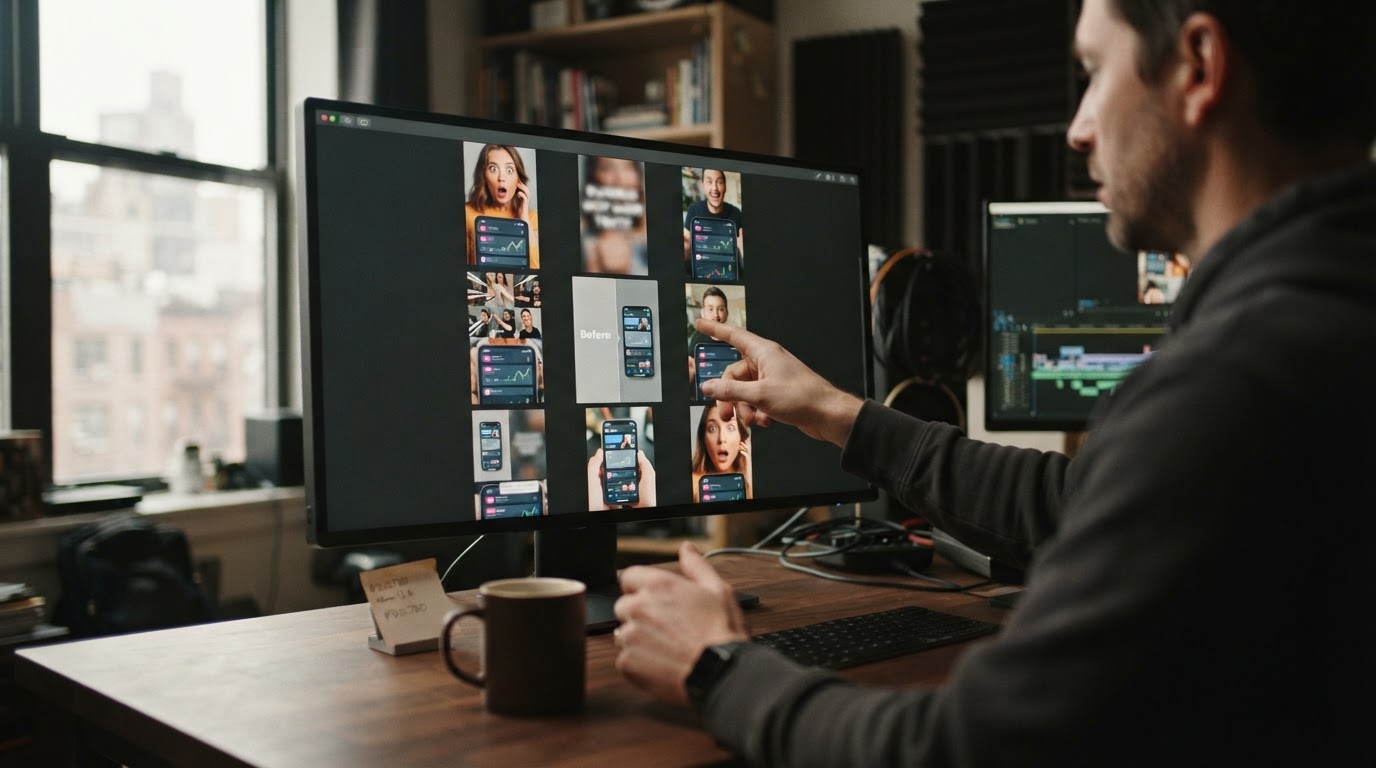
A good demo clip is not a finished ad. It is a reusable asset. The same 15-second screen recording of your app doing something impressive can anchor ten different ads if the hooks in front of it are different enough.
Think about it from the viewer's perspective. The hook is what they see first. It decides whether they keep watching. The demo is what converts them once they are watching. Those are two separate jobs, and you only need to do the demo job once per feature or flow you want to show.
One founder on a real 30-day campaign published 75 reels from a small set of clips and demos, reaching over 161,000 total views without a full editing team or a reshooting schedule. The demos stayed the same. The hooks changed. That is the whole model.
The Fundamental Structure: Hook First, Demo Second
Almost every short-form ad that works for an app follows a simple two-part structure. Something that grabs attention comes first. Then the product does something useful or impressive.
The hook does not have to be complicated. It can be:
- A person reacting to something surprising
- A bold text statement about a problem
- A quick before-and-after moment
- A question that the target user would immediately recognize
- A short UGC clip of someone talking about a frustration your app solves
The demo comes right after. It shows the product handling the exact thing the hook just raised.
This structure works because it earns attention before asking for it. Dropping someone directly into a screen recording of your app with no setup is a reliable way to get scrolled past. The hook is the reason they stay.
Check out the hook and demo format for a deeper look at why this pairing works so well for short-form app ads specifically.
How to Prepare a Demo Clip for Reuse
A demo clip that is hard to reuse usually has one of these problems: it is too long, it starts in the wrong place, or it is formatted for landscape when the platform wants vertical.
Here is what makes a demo genuinely reusable:
Start close to the product action. Skip the login screen, the loading state, the menu navigation. Start at the moment where something actually happens. If your app scores a fitness test, start at the score appearing. If it generates a meal plan, start at the plan showing up. Viewers do not need context; the hook already gave them that.
Keep it tight. For TikTok and Reels, a demo segment that runs 8 to 15 seconds is usually plenty. Much longer and you are asking people to commit before they have decided they care.
Make sure the interface is readable. Pull out your phone and watch the demo at actual phone size. If the text in your app is too small to read, people will not bother trying. Zoom in during recording or use a screen magnifier to keep the important interface elements visible.
Format it vertically before you do anything else. Recording in landscape and then cropping to 9:16 later causes problems, especially if important UI sits near the edges. Recording or exporting in vertical from the start saves a lot of rework.
Hide anything private. Test accounts, personal data, client names, anything that should not be public needs to be hidden before the clip goes into any workflow.
If you want a structured way to evaluate whether a demo is ready, the Product Demo Readiness Checker at ClipStitchr runs through technical and story checks without uploading your file anywhere.
Where to Find Hooks to Pair With Your Demo
Once the demo is clean and ready, the only remaining variable is the hook. This is where most people get stuck, because finding or creating hooks feels like a separate project.
It does not have to be.
Start with what you already have. Old reaction clips, testimonials, talking-head recordings, anything you have shot before that has energy in the first two seconds is a hook candidate. You do not need new footage to test a new ad angle.
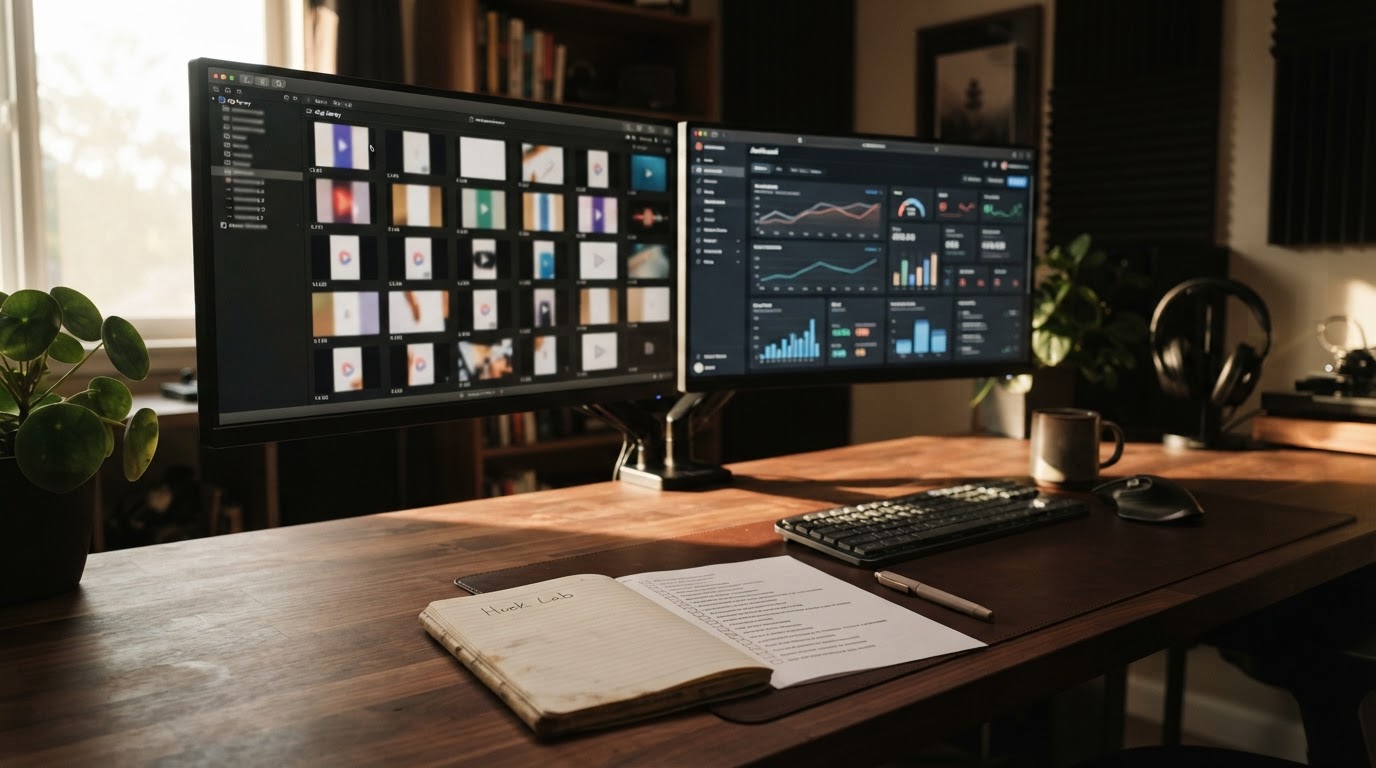
Pull hooks from what is already working on the platform. Look at what similar apps or products are using. Not to copy them, but to understand what kinds of openers are getting people to stay. A timestamped breakdown of a successful post tells you more than a list of generic tips. ClipStitchr's Hook Lab does exactly this: paste a public TikTok or Instagram link and get a full play-by-play of what is happening second by second, including expressions, pacing, cuts, and text.
Use a hook library. There are patterns that appear again and again across successful short-form ads. Questions, bold claims, before-and-after setups, contrast moments. Having a searchable library of these patterns means you are not staring at a blank page when you need a new hook angle. The 100 App Demo Video Hooks tool is a useful starting point if the library is thin.
Record short UGC-style clips. A 5-second reaction clip of someone looking surprised or impressed is enough to open an ad. These are faster to produce than a full demo and much easier to batch.
For ideas on how to market with limited footage and budget, the tips for marketing on TikTok with a zero budget post has practical options that apply here.
How Batching Actually Works in Practice
The manual version of repurposing a demo looks like this: open your editing app, import a hook clip, import the demo, trim both, export, repeat. If you have ten hooks, that is ten separate editing sessions with the same steps every time.
Batching collapses that into one setup and one review pass.
The idea is simple: choose one demo, select multiple hooks, apply one shared set of export settings, and let the tool generate a finished version for each hook-demo pairing. You review the results, keep the ones that work, fix the weak ones, and download only what is ready.
This is how ClipStitchr approaches the problem. Upload hook clips and a product demo into the library once. Open Stitchr, pick up to 20 hook clips and one demo, choose text styling, and create the batch. Each hook becomes its own finished vertical ad. The settings stay consistent across the whole batch, so you are not adjusting the same overlay or export format for every single version.
The output is not a rough cut. Each stitch is a finished ad you can review, score, and download. If a specific pairing is weak, you fix that one without touching the others.
This is what makes batching worth doing. Not just that it is faster, but that it produces genuine variation you can test. Ten ads with ten different hooks against the same demo tells you something real about which type of opener your audience responds to. One ad tells you almost nothing.
What to Check Before You Post Any Version
Making a batch does not mean every version is ready to post. A few quick checks before anything goes live save a lot of wasted spend.
Does the hook earn the demo? Watch the whole ad in one sitting. If the opener creates an expectation that the demo does not pay off, the viewer will feel tricked. The hook and demo need to be about the same thing. A hook about saving time should lead to a demo that shows time being saved.
Does it move fast enough? Short-form viewers are not patient. Any moment where nothing is happening, a long pause, a slow transition, an unnecessary second of black, is a moment someone scrolls. Watch for dead space and cut it.
Is the most important moment visible? The product action that justifies the whole ad needs to be unmissable. If it happens too quickly, or if the interface is hard to read, the ad does its job and no one knows it.
Does it feel right at phone size? Preview on an actual phone, not a desktop monitor. This catches readability problems and framing issues that look fine on a large screen but fall apart at 6 inches.
ClipStitchr's Stitch Score runs this kind of check automatically on finished stitches. It looks at the opener, how smoothly the hook flows into the demo, where drop-off is likely, and what to trim. It is not a guarantee that the ad will perform, but it is a useful gut check before anything goes public.
When Your Clip Library Runs Thin
Even with a good batching workflow, the hook supply eventually dries up. You have used all the clips you had, and shooting new footage is the thing you keep putting off.
A few options here:
Re-edit existing hooks. Sometimes a hook that did not work with one demo works well with another. The same clip, different demo, different result. Before writing off a clip, try it with a different product moment.
Generate reaction or b-roll clips. Short silent reaction clips, a face looking surprised, someone looking at a phone with raised eyebrows, can work as hooks without being complicated. These are fast to generate with tools designed for this purpose, and they give you fresh variety without a shoot.
Remix an existing demo. A different crop, a different starting point, a zoomed-in version that emphasizes one specific interaction. The source recording stays the same but the output looks different enough to test as a new pairing.
Lean into carousels when video runs thin. Slideshow-style content can carry the same product message when you do not have fresh video. A good carousel with a clear first slide and a strong product frame performs in its own right. For more on this, the post on how ClipStitchr can help you grow your mobile app with slideshow content covers the approach.
The goal in any of these cases is to keep shipping. An imperfect ad that goes live teaches you something. A perfect ad that stays in drafts teaches you nothing.
Tools That Help With This Workflow
Several tools exist to help different parts of this process. The honest answer is that no single tool handles everything perfectly, but the right combination covers the full loop without too much switching.
For batching hook-plus-demo ads specifically, ClipStitchr is built around this exact workflow. You bring the clips, pick up to 20 hooks and one demo, and get finished vertical ads ready to review. The library keeps everything organized between sessions so nothing gets lost. Clip scoring rates each hook on opener strength, pacing, and platform fit before you waste time building around the wrong footage. The stitch scoring checks the finished ad before it goes anywhere. It starts at $39 per month for one product and 2,000 creation credits, which covers a reasonable output for a solo founder running one campaign.
For editing individual clips by hand, there are solid options covered in the best video editor for short videos post. Manual editing gives you more control but removes the batching advantage.
For generating UGC-style ads when you have no footage at all, AI UGC tools can produce talking-head style clips with virtual creators. These are useful when the hook library is genuinely empty, though real footage tends to perform better when you have it. The best tools to make AI UGC videos for marketers post covers the main options worth looking at.
For researching what hooks are working, Hook Lab inside ClipStitchr analyzes public posts with timestamped breakdowns. This is more useful than generic "hook tips" because it shows you what is actually happening in specific ads that are performing, second by second.
For scheduling and posting finished ads, Post Bridge inside ClipStitchr queues finished work for posting. If you want a standalone scheduling tool, Post-Bridge handles social media scheduling and analytics with an API that ClipStitchr connects to directly.
Putting It All Together: A Simple Repeatable Loop
The process is not complicated once the pieces are in place. Here is the repeatable version:
- Record or find a demo clip that shows one clear product action. Trim it to start at the useful moment and keep it under 15 seconds.
- Collect hook clips, either existing footage, UGC reactions, or newly generated clips. Aim for at least 5 to 10 distinct hook angles.
- Score the hooks before building anything. This saves time by surfacing which clips are worth using and flagging ones that need a trim or a better starting point.
- Batch the hook-plus-demo pairings in one session. One demo, multiple hooks, one set of export settings, one review pass.
- Score the finished stitches. Keep the ones that hold together, fix the ones that do not.
- Post the ones that pass the check. Watch which hooks perform and use that data to decide what to test next.
- When the hook library thins out, generate new reaction clips, remix the demo, or lean into carousels to keep the campaign moving.
The loop works because each demo recording does multiple jobs without being re-recorded. The variable is the hook. The constant is the demo. Every test you run teaches you something about your audience without requiring a new shoot.
A Quick Note on Variation vs. Volume
There is a difference between making a lot of ads and making a lot of useful variation.
Posting twenty ads that are all basically the same hook with tiny wording changes is not a real test. Posting ten ads that represent genuinely different hook strategies, a question vs. a bold claim vs. a before-after moment vs. a reaction clip, tells you something you can act on.
When batching, think about hook diversity, not just hook count. The demo stays the same. The hooks should be pulling from different emotional angles, different audience pain points, different formats. That way the results actually mean something when you review them.
Final Thoughts
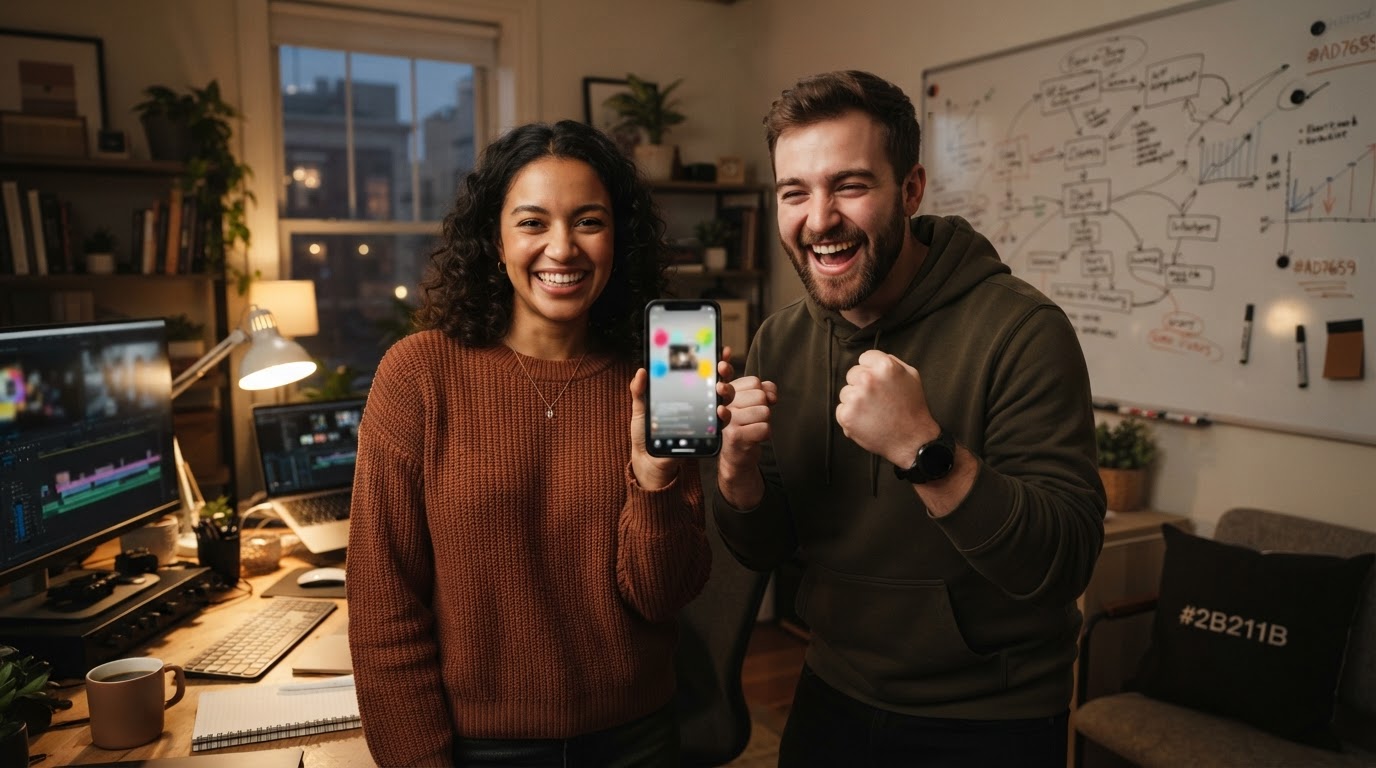
Repurposing app demo clips for ads is not about finding a clever editing trick. It is about treating the demo as a reusable asset instead of a one-time post, and building a workflow that pairs it with fresh hooks on a regular cadence.
The demo does the converting. The hook does the stopping. Record the demo once, make it clean, make it tight, and let different hooks carry different versions of it to different parts of your audience.
If you are a solo founder or a small team without time to rebuild the same edit every week, ClipStitchr handles the batching loop so the repetitive part of the workflow happens once and the useful variation stays separate. Plans start at $39 per month with every tool included.
The footage you already have is probably enough to get started. The question is whether it is being used.