
A UGC creator is someone who records short video content, typically reviews, reactions, testimonials, or product walkthroughs, that a brand uses in paid ads or organic posts. The video looks like it was made by a regular person, not a production team. That is the whole point.
The term gets used loosely. Sometimes it means a real person you hire for a few hundred dollars per video. Sometimes it means an AI-generated avatar that reads a script and never actually uses your product. Both get called "UGC creator" content today, which is why it helps to understand the differences before you spend money or time on either.
This guide explains what a UGC creator actually does, how UGC ads work on TikTok and Reels, what the AI tools do, and how to figure out which route makes sense for your situation.
What's in this guide
- What a UGC creator actually does
- What a short-form UGC video looks like
- UGC creator vs content creator: the real difference
- How UGC ads work on TikTok and Reels
- Your three main options for getting UGC
- What the AI UGC tools actually do
- What to do if you are building an app and have no creator budget
- How to choose the right path
What a UGC creator actually does
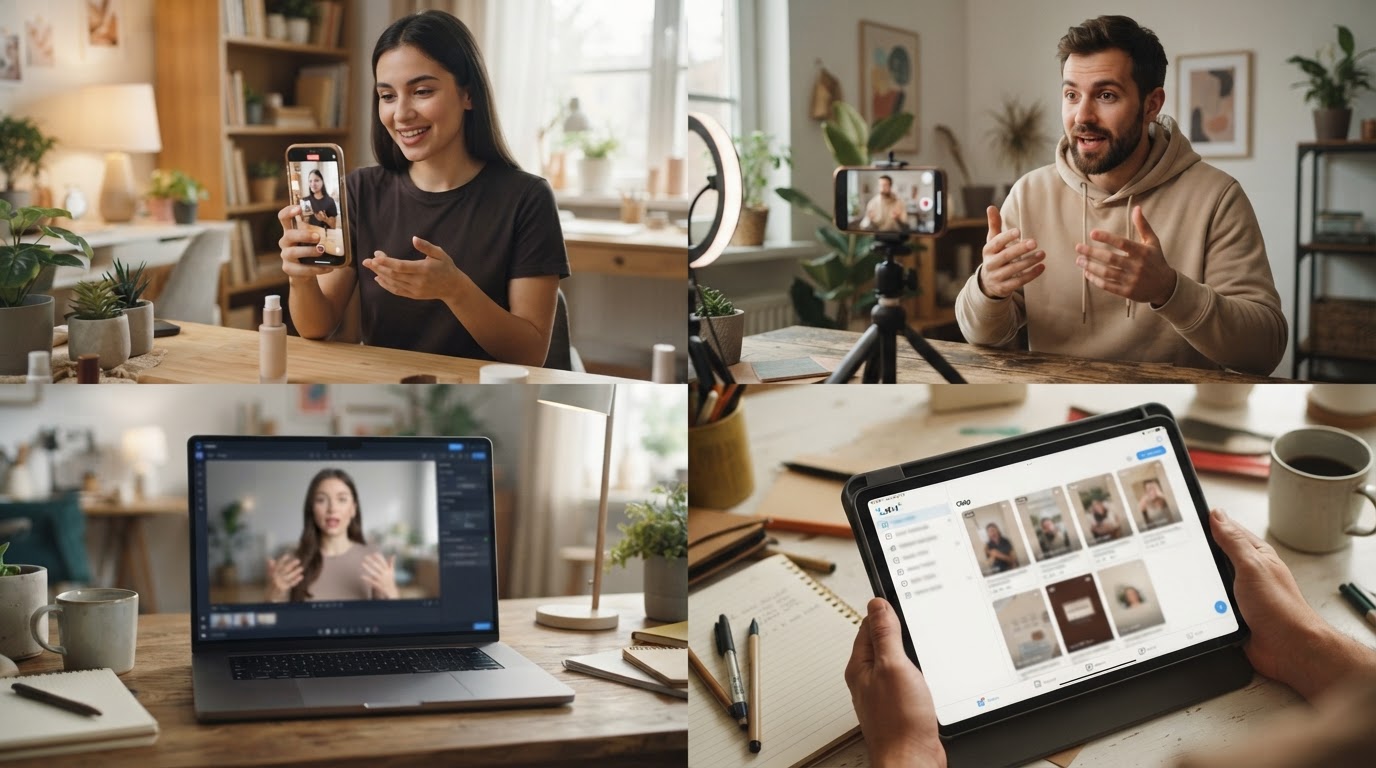
A UGC creator records short video content on behalf of a brand. They are not influencers. They do not post the videos to their own audience. They hand the footage to the brand, which then uses it in paid ads or as organic content.
The work usually looks like this: a creator receives a brief from the brand, films themselves using or reacting to a product, and delivers raw footage or a finished cut. The brand edits it, adds captions, and runs it as an ad.
What makes this format valuable is that the video looks nothing like a traditional ad. No studio lighting. No professional voiceover. Just someone on their phone talking to the camera, which tends to stop the scroll a lot better than polished creative does.
Brands pay anywhere from $50 to $500 or more per video, depending on the creator's experience, deliverables, and usage rights. If you want to see what rates look like in practice, the UGC creator rate comparison worksheet from ClipStitchr is a useful reference before you start negotiating.
What a short-form UGC video looks like
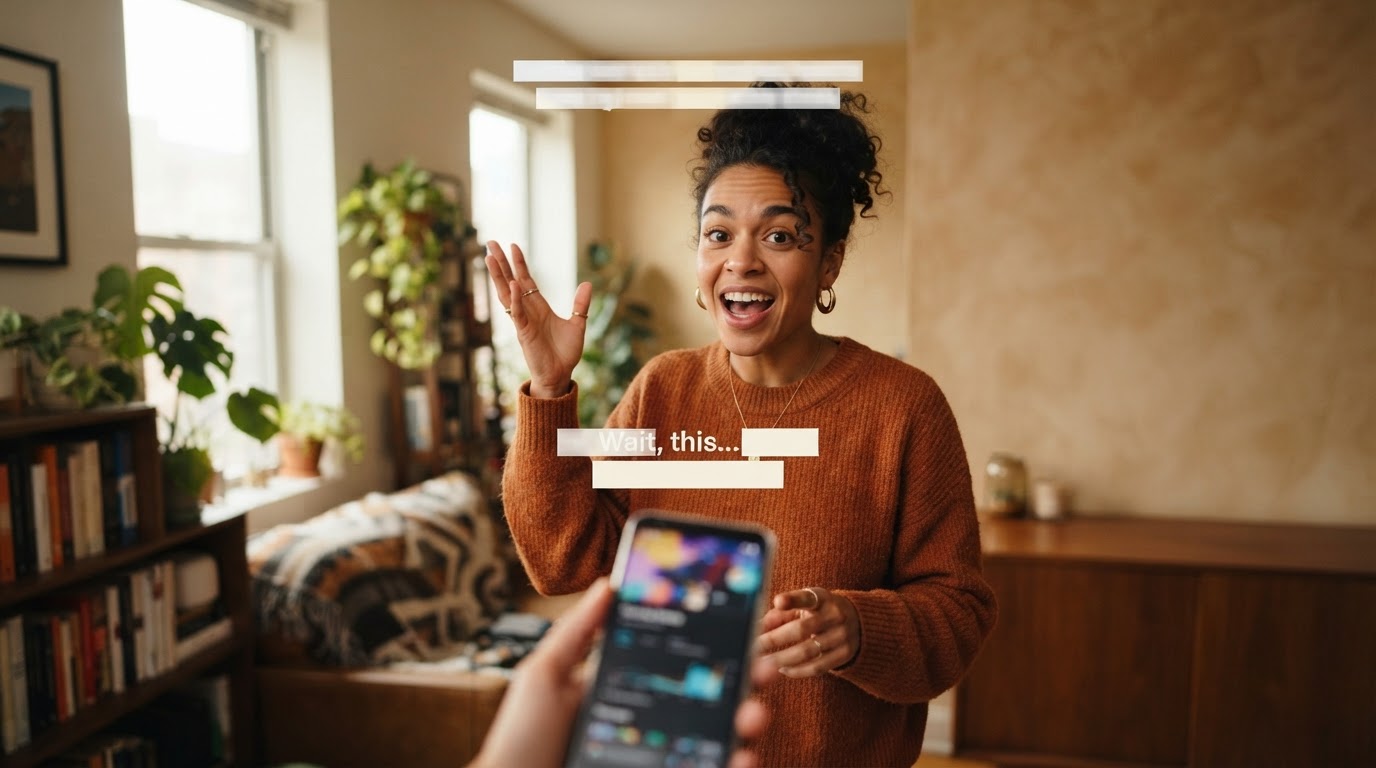
Short-form UGC videos follow a simple structure. The first two or three seconds are a hook: something that makes the viewer stop scrolling. That could be a surprising statement, a relatable moment, a before-and-after reveal, or a question. After the hook comes the product moment, usually a demo or a reaction that shows what the product does. Then a call to action at the end.
The whole thing is usually 9 to 30 seconds long for TikTok and Reels ads. Longer formats exist, but the shortest cuts tend to perform best in paid feeds.
A useful UGC video is:
- Vertical (9:16 ratio)
- Filmed on a phone, not a camera rig
- Lit naturally or with minimal setup
- Captioned, since most people watch with sound off
- Built around one clear product moment, not a list of features
The style matters as much as the content. A perfectly scripted video filmed in front of a white studio backdrop will not feel like UGC, even if the words are good. The lived-in quality is what earns attention in a short-form feed.
UGC creator vs content creator: the real difference
These two terms overlap, which creates a lot of confusion. The clearest way to split them is by where the content ends up and why it was made.
A content creator builds an audience. They make videos, posts, and stories for their own channels. Brands sometimes pay them to feature a product, but the creator's audience and distribution are part of what you are paying for.
A UGC creator makes footage for the brand to use. They have no audience requirement. Their job is to produce short, authentic-looking clips that a brand can run as ads or post as organic content under the brand's account.
The practical difference matters for your budget. Hiring a content creator with 500,000 followers is expensive because you are paying for reach. Hiring a UGC creator with no following at all is much cheaper because you are only paying for footage.
There is a longer breakdown of this distinction in the post on the difference between UGC and content creator if you want to dig into it.
How UGC ads work on TikTok and Reels
UGC ads on TikTok and Reels work by blending into the organic feed. When someone scrolls through TikTok and hits an ad that looks like a friend's video, they are more likely to watch it through. That is the entire mechanic.
The standard format pairs a UGC hook clip with a product demo. The hook earns attention. The demo shows what the product does. Together, they make a short, complete argument for why someone should download the app or visit the page.
On TikTok, this format is used both in paid ads and as organic posts. Brands will often test the same creative both ways to see which performs better before scaling spend.
The hook is the hardest part to get right. A weak hook loses the viewer in the first two seconds. A strong hook can make even a basic demo perform well. This is why most UGC campaigns test multiple hooks against the same product demo rather than rebuilding everything from scratch each time.
For a deeper look at how UGC fits into TikTok specifically, the guide to marketing on TikTok covers the platform mechanics in more detail.
Your three main options for getting UGC
When you need UGC content, you have three realistic paths. Each has tradeoffs.
1. Hire a real UGC creator
You brief them, they film, you edit and run the ad. The output looks genuinely human because it is. The main challenges are cost, turnaround time, and iteration speed. If a hook does not work, you have to brief and wait for new footage rather than swapping a clip yourself.
This path works well when you have a budget for creative, a clear brief, and the patience to manage a creative relationship. If you are hiring for the first time, the UGC creator handoff kit can help you structure the brief and delivery so nothing gets lost.
If you want to find creators and understand what you should expect to pay, DansUGC is one library worth looking at, focused on real-human UGC ads.
2. Do it yourself
Many indie founders and app builders film their own UGC-style clips. It is free, you can iterate quickly, and the authenticity is real because you actually built the thing. The downside is that it takes time, and most people find it uncomfortable to be on camera consistently.
The self-filmed approach works surprisingly well for apps where the founder is the product's most credible spokesperson. Someone explaining their own app on their phone often outperforms polished agency creative, especially with a technically minded audience.
3. Use AI-generated UGC
AI UGC tools generate video clips using digital avatars. You give them a script; they produce a talking-head video that looks like a real person holding a phone and reviewing your product. You get footage without hiring anyone.
The quality has improved significantly. Some outputs are convincing enough to run as ads. But the gap between good AI UGC and real human UGC is still visible if you know what to look for, and some audiences are more forgiving of that gap than others.
What the AI UGC tools actually do

Several tools now promise to generate UGC-style video content using AI. They use trained avatars or generative video models to produce talking-head clips, reaction shots, and product demos.
The workflow on most of these tools is similar: you upload your product details, write or generate a script, choose an avatar, and the tool renders a video. Some tools let you build a custom avatar from a photo. Others use a library of stock avatars you can pick from.
What they are good at:
- Producing a large volume of short clips quickly
- Testing multiple hooks without waiting on a creator
- Filling gaps in your footage library when you have no other clips
What they struggle with:
- Authentic reactions that feel genuinely surprised or delighted
- Natural body language and spontaneous moments
- Convincing interaction with a physical product
For app ads specifically, AI UGC works best as a hook or opener that transitions into a real screen recording of the app. The demo part is where the authenticity of a real product recording matters more than the authenticity of a human face.
The post on how to create UGC ads with AI covers the practical workflow in more detail if you want to go further.
What to do if you are building an app and have no creator budget
This is the situation most indie app builders are actually in. You have footage of your app, maybe a screen recording or two, and no money or time to manage a creator relationship. You still need ads.
The practical approach here is to separate the two components of a UGC ad: the hook and the demo.
The demo is the easier part. You record a screen capture of your app showing one useful moment. Keep it under 30 seconds. Start close to the action, cut dead time, and caption it. That is the product demo.
The hook is harder without a creator. This is where AI tools become genuinely useful. A short AI-generated reaction clip or a self-filmed talking-head opener can pair with a real product demo to create a complete ad.
The challenge is doing this repeatedly. Most indie builders know they should be testing multiple hooks, but the workflow of pairing clips, captioning, resizing, and exporting becomes a time sink that pushes the whole task to the bottom of the list.
ClipStitchr was built specifically for this problem. You upload your hook clips and your product demo, and the tool batches them into finished vertical ads. Instead of rebuilding the same edit every week, you run a batch once and get multiple finished ads to review. It scores each clip and each finished stitch so you know which ones are worth posting before you spend time on distribution.
One fitness app founder used ClipStitchr to publish 75 reels in a single month while still building the product. The workflow made it realistic to iterate at that volume without a dedicated editing team. You can read the full Guppy case study to see exactly how it played out.
The hook-plus-demo format explained
The most reliable UGC ad structure for apps is simple: hook first, product demo second.
The hook is usually 3 to 8 seconds. It earns attention. It could be a person on camera saying something surprising, a before moment, a relatable frustration, or a visual that creates curiosity. The goal is to stop the scroll and make the next five seconds feel worth watching.
The demo follows immediately. It shows the product doing one specific useful thing. Not a feature list. One moment. If the hook promises "I finally fixed my sleep schedule," the demo shows the app doing the thing that fixed it.
This format works because it maps to how people actually consume short-form video. They decide in the first two seconds whether to keep watching. If they stay, they want to understand what they are watching quickly. A clean hook-to-demo structure respects that.
The hook and demo format post from ClipStitchr goes deeper into how to structure each part if you want specifics.
UGC style vs UGC created by a real person
UGC style means the video looks and feels like organic user content, even if it was made by a brand or an AI tool. The key signals that make something feel like UGC are:
- Filmed vertically on a phone
- Slightly imperfect framing or lighting
- Natural speech, not scripted marketing language
- Personal point of view ("I tried this for two weeks...")
- No logo animations, brand colors, or polished transitions
UGC created by a real person will naturally have these qualities. UGC style content tries to recreate them deliberately.
The distinction matters for your ad strategy. Real UGC from a creator tends to feel more spontaneous. UGC style content made in-house gives you more control over the message but requires effort to avoid looking like a produced ad.
For most app builders, the honest self-filmed approach falls somewhere between the two. You know the product, which gives you a credible voice. You are probably not a professional on camera, which keeps it from looking too polished. That is actually useful.
Comparing the main options
| Approach | Cost | Speed | Volume | Authenticity |
|---|---|---|---|---|
| Hire a real creator | Medium to high | Slow (days to weeks) | Limited by budget | High |
| Self-filmed | Near zero | Fast when you sit down to do it | Limited by your time | High |
| AI UGC tools | Low to medium | Fast | High | Medium |
| Batching tool (ClipStitchr) | Low | Fast | High | Depends on source clips |
No single option is right for everyone. The useful question is which constraint you are most trying to solve. If budget is the limit, self-filmed or AI makes sense. If time is the limit, batching and automation matter more. If authenticity is the limit, real creators are hard to replace.
For app builders doing their own marketing, the most practical path is usually to combine self-filmed demos with either AI hook clips or a small number of creator-filmed hooks, then use a batching tool to multiply the output without rebuilding every edit by hand.
How to brief a UGC creator properly
If you decide to work with a real creator, the brief is what determines whether the footage is usable.
A good UGC brief covers:
- What the product does in one sentence, without jargon
- Who it is for, specifically
- The one outcome the video should communicate
- The hook angle, such as problem-focused, before-and-after, or review-style
- What not to say, including claims you cannot support or features you do not want highlighted
- The format, including length, aspect ratio, and caption requirements
- Deliverable details, meaning whether you want raw footage, a finished cut, or both
Clear briefs save you revision rounds. A creator who gets a vague brief will make reasonable guesses that may not match your campaign. A creator who gets a clear brief can focus on performance rather than interpretation.
The UGC creator handoff kit from ClipStitchr includes a ready-to-use brief structure you can fill in and hand to a creator without starting from scratch.
What to do when your clip library runs thin
One problem nobody warns you about is that UGC campaigns exhaust their source material fast. You start with five solid hook clips and a product demo. After a few weeks, you have tested every combination and need new footage.
This is where most indie builders either stop the campaign or restart the whole process, which is expensive and slow.
A few things help here:
Film variations of the same hook. Same message, different opener. Different camera angle. Different opening line. Even small variations create testable new combinations.
Use AI to generate b-roll or reaction clips. These are short filler clips that can replace or augment a human hook. They are not as strong as a real person on camera, but they extend your library without requiring another creator brief.
Generate demo remixes. If you updated your app, re-record the product demo to reflect the change. A fresh demo paired with old hooks creates new combinations worth testing.
ClipStitchr's Clipr feature is built for exactly this situation. When your library gets thin, it generates short reaction clips or b-roll using a saved avatar, which you can drop into your hook library and batch against your existing demo. You do not have to start over. You just add a few new clips and run the batch again.
The post on UGC ad creation workflows and alternatives covers more approaches to keeping a campaign running when resources are limited.
Carousels as a companion format
Short-form video gets most of the attention in UGC conversations, but carousels on Instagram and TikTok are a useful companion format, especially for apps where showing multiple screens or steps makes the product clearer.
A carousel works differently from a video. Instead of a hook that holds attention for 15 seconds, each slide needs to earn the swipe to the next one. The first slide is still the most important, but the structure is more like a short visual story than a video arc.
If you are already building short-form UGC video ads, carousels are not much more work if you have the product screenshots. The post on growing a mobile app with slideshow content explains how to use carousel-style content alongside video in a real campaign.
ClipStitchr's Swipr tool handles carousel drafts from saved product content, so the two formats can live in the same workflow rather than being separate projects.
How to choose the right path

The honest answer depends on three things: your budget, your tolerance for being on camera, and how fast you need to iterate.
If you have a small budget and time: Film yourself. Record a clean product demo. Pair them together and post consistently. You will learn a lot from the performance data, and it costs almost nothing.
If you have a small budget but no time: Use AI UGC tools for hook clips and a batching tool to multiply your demo into finished ads. This is the fastest path to volume without a creator relationship.
If you have budget but no time: Hire one or two creators for a few hooks. Use a batching tool to pair those hooks with your demo and scale the output. You get the authenticity of a real face with the volume of an automated workflow.
If you have both budget and time: Test all three. Run a self-filmed hook, an AI hook, and a creator hook against the same demo. The data will tell you what your specific audience responds to, which is more useful than any general advice.
The one thing that slows everyone down equally is the editing loop. Uploading, trimming, captioning, resizing, and exporting the same structure ten times a week is the part that makes people give up on UGC campaigns. Solving that part first, before worrying about creator budgets or AI tools, usually unlocks more output than any other change.
A practical next step
If you are an indie app builder trying to get more short-form video ads out the door without a dedicated editing team, ClipStitchr is worth looking at. You upload your hook or UGC clips and one product demo, and it batches them into finished vertical ads with scoring, captions, and export ready to review. Plans start at $39 per month and include every tool in the workflow.
If you are still figuring out what to pay a creator or how to structure a handoff, the free UGC creator rate comparison worksheet and the UGC creator handoff kit are both good places to start before you brief anyone.